
Quick answer: choose the sound before the faces
For an AI rap duo about a shared story, use a topic-based generator. For exact lyrics, make and approve the song first, then animate the performers to that recording. For an existing song, use an audio-driven lip-sync workflow. Two photos alone do not assign each vocal line to the correct face.
Here, the photo-based creator generates an original rap from an occasion and topic. It has no verbatim lyric editor, personal audio upload or line-by-line voice assignment. Its fixed Hotel Lobby reference option is a separate workflow, available when its quote is ready. This article explains when to stay in that creator and when to prepare audio elsewhere.
A topic, custom lyrics and an uploaded song are different inputs
| What you want to keep | Preparation, workflow and check |
|---|---|
| A story or occasion | Two photos and a short topic. Generate an original rap here. Did it capture the idea? |
| Every lyric line | Approved words and a finished vocal. Create audio, then animate to it elsewhere. Are all words actually audible? |
| Your own song or recorded voice | The exact audio file. Audio-driven animation elsewhere. Does each mouth follow its voice? |
| The site's Hotel Lobby recording | The available fixed-reference option. Follow the site's reference mode. Does the performance follow that source? |
Typing a song title does not supply its recording. Typing a verse into a topic field does not turn the field into a lyric editor. A picture supplies visual identity; it does not supply the photographed person's voice.
Route 1: make an original rap from two photos and a topic
Use this route for a reunion, birthday or private joke when the exact wording can vary. Choose two separate portraits, or a shared picture where both faces are clear. Keep one memorable detail rather than trying to fit an entire friendship into a short clip.
An illustrative topic is: “An English rap for two adult friends, Alex and Sam, celebrating their reunion after a year apart. Warm and playful; mention their missed train.” This is a writing brief, not tested output or a guaranteed script. Request the language explicitly and listen for names and pronunciation afterward.
Select original song mode, review the available duration and credit quote, then submit once. The underlying request asks for a left-side lead followed by a right-side reply with distinct generated voices. That direction is not a guarantee that every result will deliver both turns correctly. The form has no separate control for assigning individual lines.
Download the original and listen before adding captions. For a documented generated example with its settings, see how to make an AI rap video. Use the two-photo rap duo page for input and output details.
Route 2: keep your lyrics by approving the audio first
When a punchline, name or rhyme must be exact, separate songwriting from face animation. Write a short exchange, label the intended speakers in your working document and read it aloud. A label helps you plan; it does not establish support for multiple singers in a music model.
For example, these original planning lines are not a generated recording:
A: “We missed that train, but made the night.”
B: “Same old friends, the timing's right.”
Suno's official guide describes entering your own lyrics in Custom mode. That input feature does not guarantee exact pronunciation, two voices or speaker-to-face assignment. Listen to the finished recording and approve what it actually says before using it as the source for a video.
- Finalize the words and decide who performs each section.
- Record the parts yourself, or create a song in a tool with a dedicated lyrics field.
- Check omitted words, repeated lines, names and the ending. Correct the audio before animating.
- Save the approved master and mark each performer's entrance.
- Continue with an audio-driven workflow that accepts your file. This site's duo creator cannot import it.
If two recognizably different voices matter, a recording with two performers gives you an explicit source to inspect. A genre prompt or speaker tag alone should not be treated as proof of two-voice output.
Route 3: use your own recording and animate each role
HeyGen's Make Photo Sing documentation describes MP3/WAV input and one face per generation. This is an external option, not an integration in our creator, and we have not tested this article's example in that service.
For alternating rap, the following is an editing plan based on that single-face limit:
- Keep one approved full-length audio master. Mark the boundaries of A's and B's sections.
- Prepare a clear portrait for each performer. Use only images and voices you have permission to animate.
- Animate A to A's vocal sections and B to B's sections. Keep a note of each clip's start time in the master.
- Put the clips on the corresponding positions in your editor. Alternate close-ups for a simpler first version.
- Restore the master audio, mute duplicate clip sound and inspect each handoff at normal speed.
For a split-screen shot, keep the inactive person in a still or listening shot. Do not drive both faces with the complete two-voice mix and assume the system will identify who owns each line. Simultaneous vocals need isolated parts or a tool with explicitly supported multiple-face control; this plan does not provide automatic simultaneous duet animation.
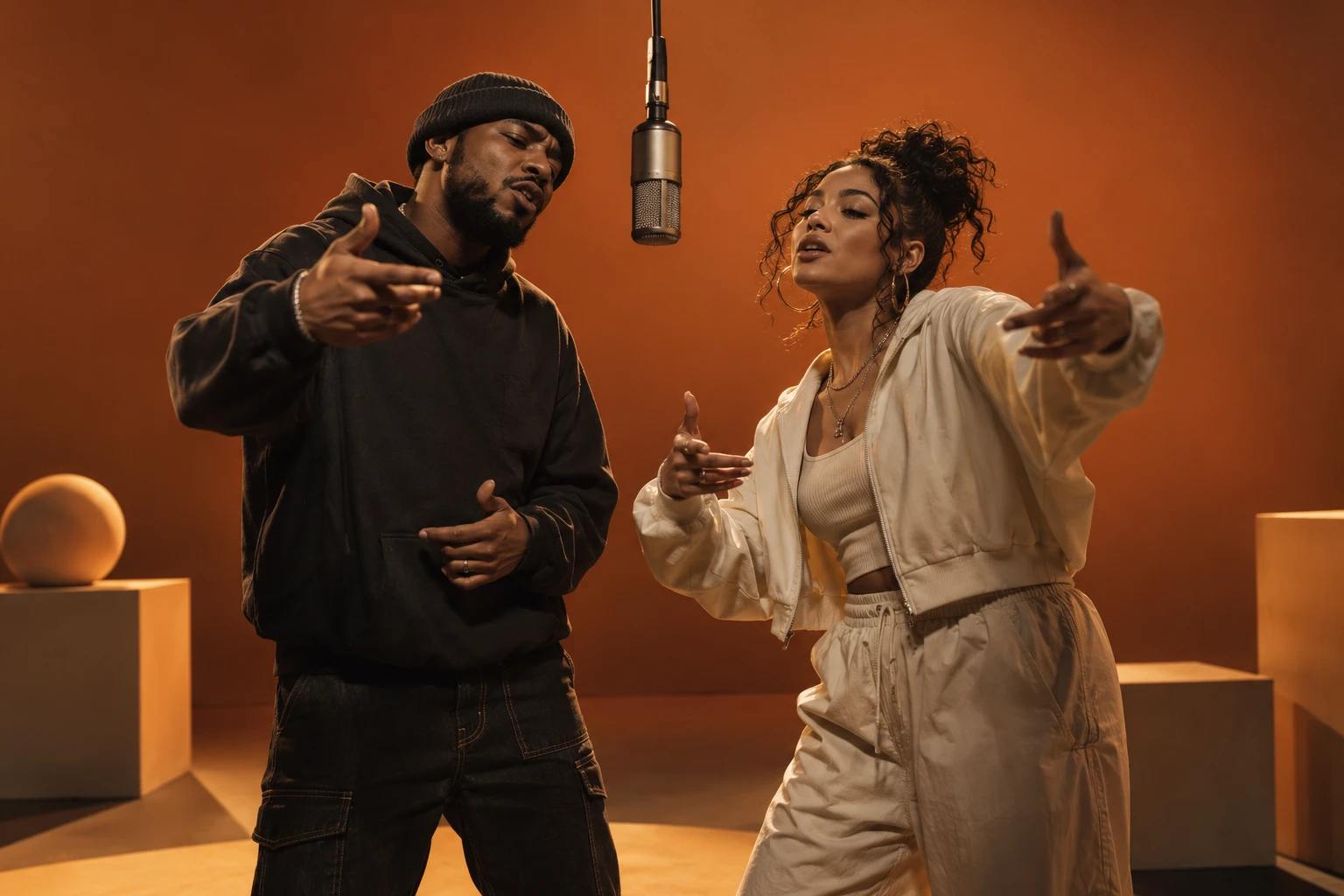
Consistent framing can help the edit feel like one scene, but separate clips do not automatically create a shared orange stage. If your goal is the familiar reference performance instead of your recording, read the Hotel Lobby song guide.
Why replacing the song after download does not fix lip sync
Adding a track changes what the audience hears. It leaves the rendered mouth movements in place. A different rhythm or different words can therefore make the mismatch more visible, even when the replacement audio sounds better.
For a music-backed montage without visible singing, an editor may be enough. For close-up rapping to new words, plan another audio-driven animation. Preserve the unedited file so you can tell an original generation issue from a later edit. The lip-sync troubleshooting guide explains how to review the original recording.
Check the duet before you share it
- Hear both voices with headphones, then compare each entrance with the visible mouth.
- Verify names and exact words against the approved audio, not the topic or draft lyrics.
- Inspect turn changes: the listening performer should not visibly deliver the other person's verse.
- Check that captions describe the audible performance and fit the intended frame.
- Keep the master audio, original clips and edit separately so a correction is recoverable.
Questions about lyrics and two-person audio
Can I paste my full lyrics into this creator?
You can provide a topic, but there is no dedicated exact-lyrics input. A pasted verse is still part of the brief and may be rewritten. Use the audio-first route when word-for-word delivery matters.
Can I upload an MP3 here?
The current photo-based rap creator does not accept a personal song or voice recording. Its fixed reference song is not a general audio-upload feature.
Do the two photos clone our voices?
No. They guide appearance. Original rap uses generated voices; personal vocal recordings require a separate audio workflow.
Will speaker labels guarantee left and right voices?
No. Labels in your working script help organize parts. The creator has no per-line assignment control, and a returned duet still needs listening and visual review.
Can both performers rap at once?
That requires a workflow with suitable multi-face support or separately animated vocal parts and editing. Alternating solo shots are a more manageable starting plan; they do not demonstrate simultaneous duet support.
Is preparing a topic the same as paying for a render?
No. Preparation and browsing are free here; submission needs eligible credits. Check the current quote. A new completed attempt is another generation, so identify whether the issue lies in the words, audio or animation before paying to repeat it.
If a new song about your story is enough, prepare a topic-based duo. If you already have the exact song, keep that approved recording as the source and choose the audio-first route.