
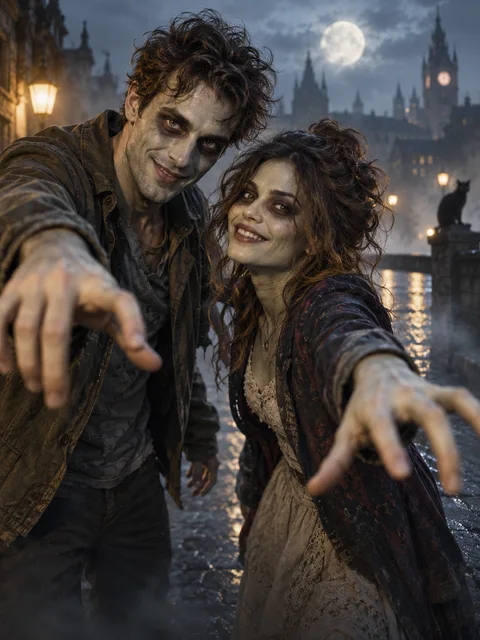
A familiar face under playful movie makeup
The AI zombie trend uses a transformation that should still leave the photographed person recognizable. Our Zombie configuration requests gray-green skin, theatrical dark eye makeup and a quirky smile in a misty street. This AI zombie trend scene is designed around a friendly movie look, without blood, wounds, attacks or violent action.
The AI zombie trend can describe different social edits. Some include an embrace or several dramatic shots. This page's setup requests a makeup transformation and friendly expression; it does not guarantee those additional beats. Evaluate the AI zombie trend against the scene actually selected below rather than expecting an exact reproduction of another creator's clip.
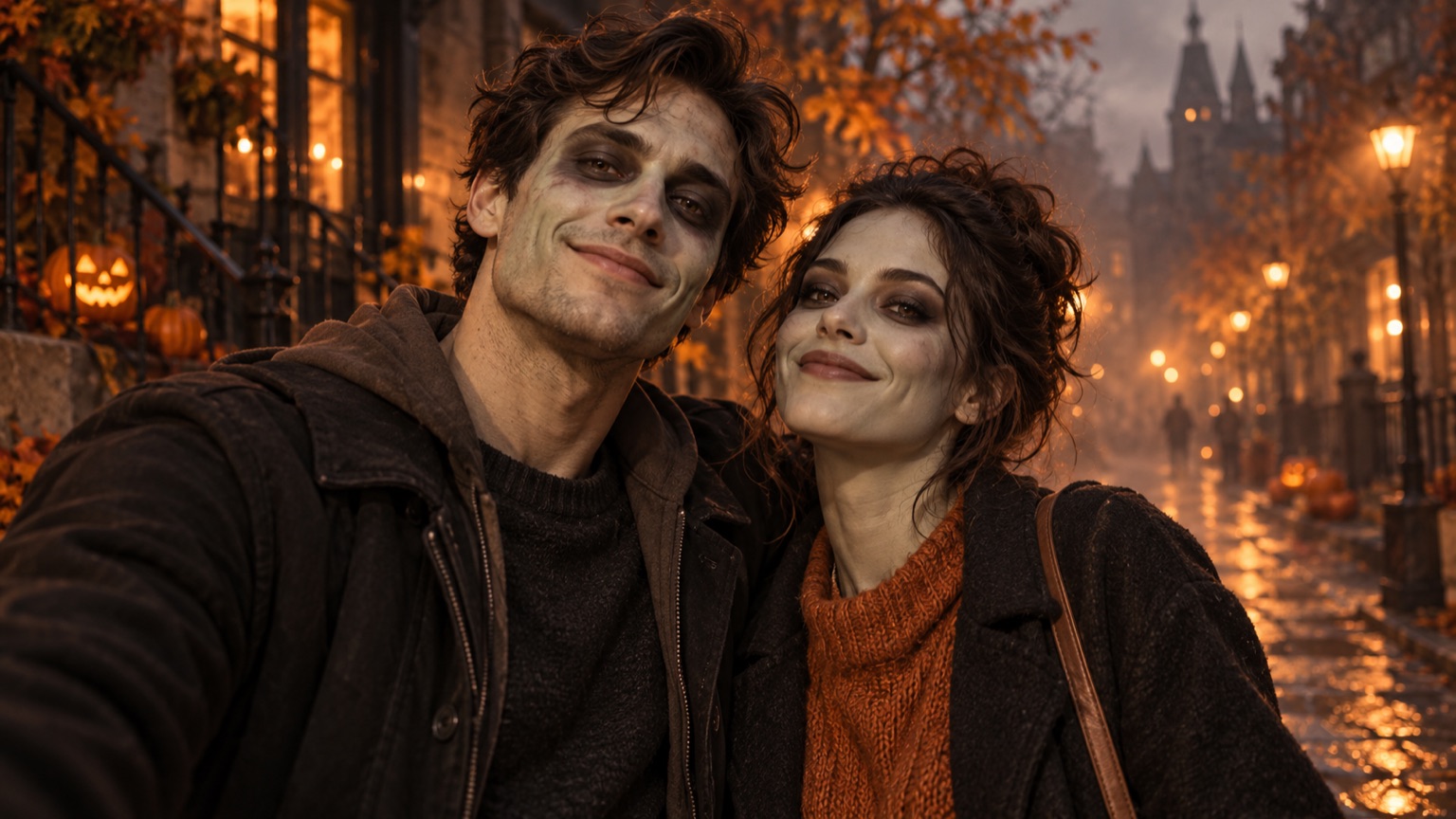
AI-generated concept artwork for ai zombie trend; this illustration is not a recorded product result.
How to prepare the AI zombie trend
For the AI zombie trend, add one clear reference of each intended person or switch to a shared photo. Zombie is preselected so you do not have to find it among unrelated effects. If the AI zombie trend should feature one person, choose one-photo mode with that person's portrait instead of adding an unnecessary second identity.
Check the AI zombie trend duration, quality, framing and displayed quote before submitting. Confirm permission to use the faces, then generate when the tool is ready. Download the finished AI zombie trend and inspect it with sound. The transformation and music are generated; the scene is not a recording of the photographed subjects wearing actual makeup.
Keep the identity visible before and after the change
Use references with readable eyes, jawlines and hairstyles for the AI zombie trend. Heavy face filters or an already extreme costume can make it harder to distinguish source features from generated changes. Keep the original photo beside the AI zombie trend so you can compare more than an overall impression.
For a pair, give the AI zombie trend two clearly distinguishable references. Similar hairstyles and dark clothing can make identity blending less obvious until a person turns. Assign the left and right roles deliberately. When reviewing the AI zombie trend, follow one face through the entire clip, then repeat the review for the other.
What the configured scene asks for
The AI zombie trend uses a softly misty street, theatrical makeup and preserved everyday clothing. The prompt requests natural anatomy and recognizable faces as part of the shared scene workflow. These are instructions, not a measured guarantee. A successful AI zombie trend should be judged on the returned movement and identity, not the wording of the brief alone.
The AI zombie trend is distinct from a costume-fitting tool. It does not offer an exact Halloween outfit catalogue or a specified movie character. If you want a different transformation, compare AI video effects. For visual duplication rather than makeup, AI Clone Video requests a different action from the AI zombie trend.
Review makeup, hands and the change itself
Pause the AI zombie trend before the transformation, during the skin change and near the final expression. Check whether the jaw, nose and hairline remain tied to the reference. Makeup that gradually changes is part of the concept; a face becoming a different person is a separate problem in the AI zombie trend.
Replay the AI zombie trend at normal speed to inspect flickering texture or a sudden switch between faces. Also check hands and clothing when bodies overlap. A well-lit opening frame can hide later artifacts. Record the specific issue before creating another AI zombie trend, rather than changing several settings and losing track of which adjustment mattered.
Make the joke understandable to the people involved
An AI zombie trend works best when the photographed people are comfortable with the transformation and intended audience. Show them the completed clip before a public post. Label the AI zombie trend as generated movie-makeup imagery if a viewer could misunderstand the change as an actual event or physical condition.
Check the photo guide for input preparation and pricing for purchasing. The AI zombie trend displays its available quote rather than promising a universal free render. A completed AI zombie trend that does not suit your joke is different from a task that the system marks failed.
Questions about the AI zombie trend
Does this version include a hug?
The AI zombie trend configuration here requests the transformation and friendly expression. It does not promise a separate embrace. For physical contact, use the hug generator rather than assuming every AI zombie trend version contains the same social-media story.
Can I keep my outfit?
The AI zombie trend requests preserved visible clothing from the references. Generated results may still change small details. Compare collars, sleeves and colors across several moments before describing the AI zombie trend as a faithful outfit match.
Does it copy a particular zombie movie?
No. The AI zombie trend uses an original theatrical-makeup direction rather than a named character. Keep your brief within the available scene. An AI zombie trend does not need a franchise costume to make the visual joke readable.
Can I use one photograph?
Yes. Select one-photo mode for the AI zombie trend when the reference contains the intended subject or pair. Check every face in a shared image. The AI zombie trend should start from identities you can clearly recognize, not a crowded photograph with ambiguous casting.
Sources
- Current site creator, scene settings and photo workflow, reviewed October 6, 2026.
- Photo preparation guide and output specifications.
- RapDuo topic page, reviewed for page structure and search intent; its product specifications are not specifications for this site.