
How to Make an AI Rap Video
Here is how to make an AI rap video with the current AI rap video creator: upload your portrait references, select original AI rap in the audio control, describe a topic, review the AI rap video output settings and quote, then generate. The AI rap video topic guides a new AI rap video performance; it is not an exact lyrics field or a way to reproduce an existing singer.
The public AI rap video creator currently uses Wan 3.0 with the Hotel Lobby stage. This walkthrough follows the visible AI rap video controls reviewed on October 4, 2026. Historical model names and scene concepts elsewhere do not mean those options are selectable today. Check the live interface when preparing a new request.
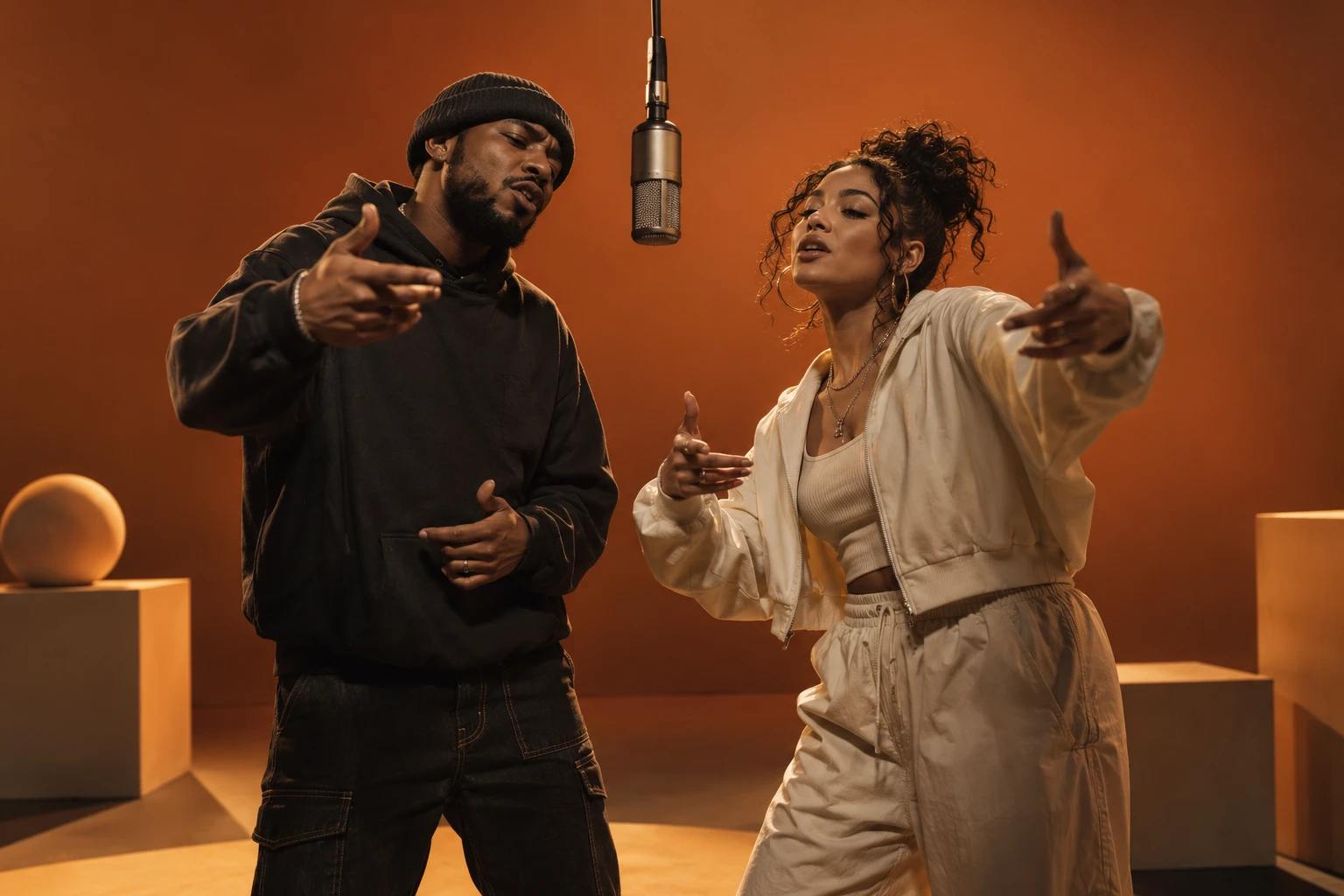
AI-generated concept illustration. The documented case collection identifies actual generated video results and their settings separately.
Give the AI rap video one clear topic
Understanding how to make an AI rap video starts with a small idea. A five-second clip has little room for a complicated story. Pick one moment: friends celebrating a reunion, a couple sharing a joke, or coworkers finishing a project. Give the model concrete context and a simple emotional direction.
For example, “Two friends celebrating their Friday reunion, playful and upbeat” supplies a relationship, occasion and mood. Avoid a long biography or several unrelated requests. Names, dates and specific wording can be generated incorrectly. Listen to the AI rap video output before sharing anything that depends on those details being exact.
Choose AI rap video photos and cast
When learning how to make an AI rap video, start with clear references. Use two separate images for independently selected left and right performers. Alternatively, choose one-photo mode for a shared photograph containing two visible subjects. The AI rap video mode must match the files you upload.
Preview both AI rap video faces and clothing before continuing. Front-facing or slightly turned half-body portraits give useful information. Avoid heavy obstruction, extreme blur and a crowded background. Our photo guide illustrates these differences. A good reference improves the information available; it does not guarantee perfect likeness through movement.
Select original rap in the audio control
The key audio choice in how to make an AI rap video is original generated music and vocals. Select the original AI rap option to reveal the topic field. A silent output and a template soundtrack follow different audio paths, so choosing either will not request a new topical rap.
The topic field accepts a short brief within the limit displayed by the creator. It does not accept an uploaded voice sample, and this workflow does not promise voice cloning, artist imitation or word-for-word delivery. The generator requests original vocals; the actual wording, voice and musical arrangement remain part of the output to review.
Keep the scene and settings realistic
For how to make an AI rap video on this site, use the currently available Hotel Lobby stage rather than planning around an unavailable location selector. Choose a duration and resolution from the visible options. Choose vertical 9:16 when you want a phone-shaped composition, and inspect both performers inside that frame.
Five seconds at 480p is a useful small demonstration request when you want to inspect the idea before choosing a longer output. This is a preparation choice, not a guaranteed success rate. The resulting file should be checked for its actual dimensions and length; a portrait preview alone cannot prove the downloaded format.
Review the AI rap video quote and submit once
Before completing how to make an AI rap video, check the live credit quote beside the generation action. Duration, resolution and availability can affect the request. The amount displayed for your selected settings is more useful than a price copied from an older tutorial.
Confirm that you can use the references, sign in when prompted and submit once. Keep the task record so you can distinguish a pending request from a failed one. Repeated submissions can create separate paid tasks. If the creator reports that a provider is unavailable, resolve that condition before attempting another generation.
Inspect the complete result
Learning how to make an AI rap video includes listening, not just watching a thumbnail. Play the entire output with sound, then review it muted. Check the intended faces, left and right placement, clothing consistency, hands, microphone and movement. With audio on, listen for understandable words, abrupt endings and rhythm.
Treat the AI rap video topic as direction, then compare what the model actually produced. An AI rap video birthday brief may produce different words from those you imagined. If exact wording matters, plan a separate authorized recording and editing workflow instead of presenting this field as a script control. Save the original AI rap video output before any captioning or trimming.
Prepare the final AI rap video edit and disclosure
The last step in how to make an AI rap video is choosing what viewers receive. Captions should match the audible AI rap video words, including corrections to names or unclear phrases. A label explaining that the AI rap video performance was generated helps separate the fictional scene from a recording of real people actually rapping.
For publishing, follow our social video checklist. Keep a clean master and a separate edited version. Record any crops, captions, audio replacement or trimming when documenting a case, so viewers understand what the generator produced and what changed afterward.
A saved AI rap video request also helps support investigate.
Make an original performance
Select original AI rap, add a short AI rap video topic and check the displayed quote.
Open the rap creator
1Your two performers
Left leads. Right hypes. Make it your duo.
JPG, PNG, WebP · up to 5 MBOne clear face per photo works best.
2Video & sound
480p5 s · 9:16Change settings
Generated demo · synthetic photos · original AI audio · not a preview of your selected settings
Your clips
View allYour submitted clips will appear here. Sign in to revisit them later.
Take a little break
A round of Snake while your video renders.
Arrow keys / WASD · Space to pause · Swipe or tap on mobile
Use theme ideas for starting briefs, or review audio choices when comparing original vocals with a soundtrack.
Keep an AI rap video experiment record
Save the AI rap video topic exactly as submitted, together with photo mode, duration, framing and audio choice. Listen before transcribing the words: the model can interpret a brief instead of singing your text literally. For another AI rap video attempt, change the topic only when its content was the problem; change the image when identity was the problem. Keep the downloaded AI rap video alongside any captioned version so you can identify which details came from generation and which you corrected later. This record helps with both creative review and support.
Sources
- Current creator, studio settings, prompt builder and credit quotation code, reviewed October 4, 2026.
- Features and limitations.