
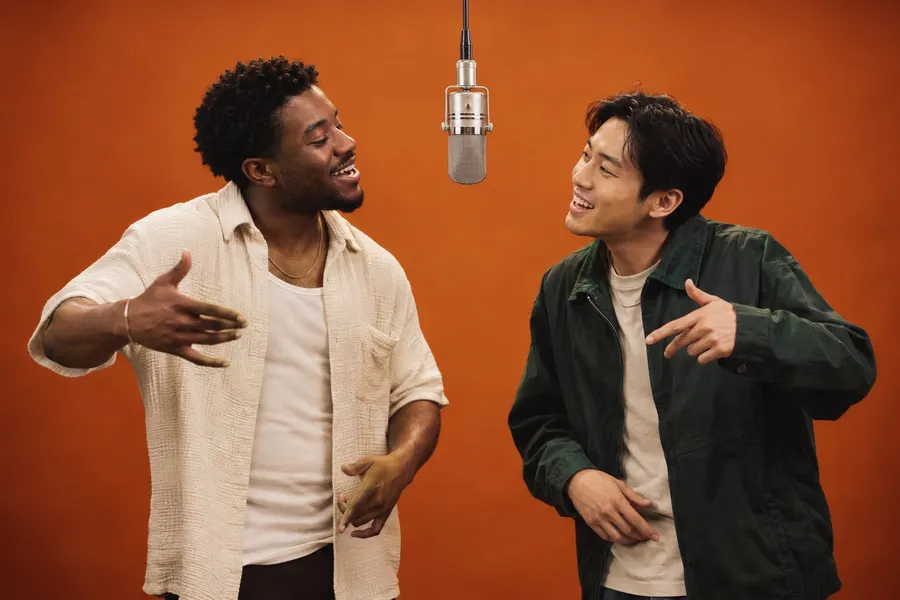
TWO PERSONALITIES
Friends duo
Your group chat’s headline act. Give the opening moment to the friend who would take the mic first.
Explore the promptTwo photos. One orange stage. Put your duo in the performance.
Two people. Two photos. Your moment.
JPG, PNG, WebP · up to 5 MBOne clear face per photo works best.
THE SCENE IS SET
Watch the Hotel Lobby AI reference, then imagine your own pair in the orange room. These casting concepts help you plan a clip; they are not presented as customer results.
TWO FACES. ONE PERFORMANCE.
Hotel Lobby AI turns the choice of cast into the creative moment. Start with a pair your audience knows, or make the contrast the whole idea.
Explore Hotel Lobby AI videosTWO PERSONALITIES
Your group chat’s headline act. Give the opening moment to the friend who would take the mic first.
Explore the prompt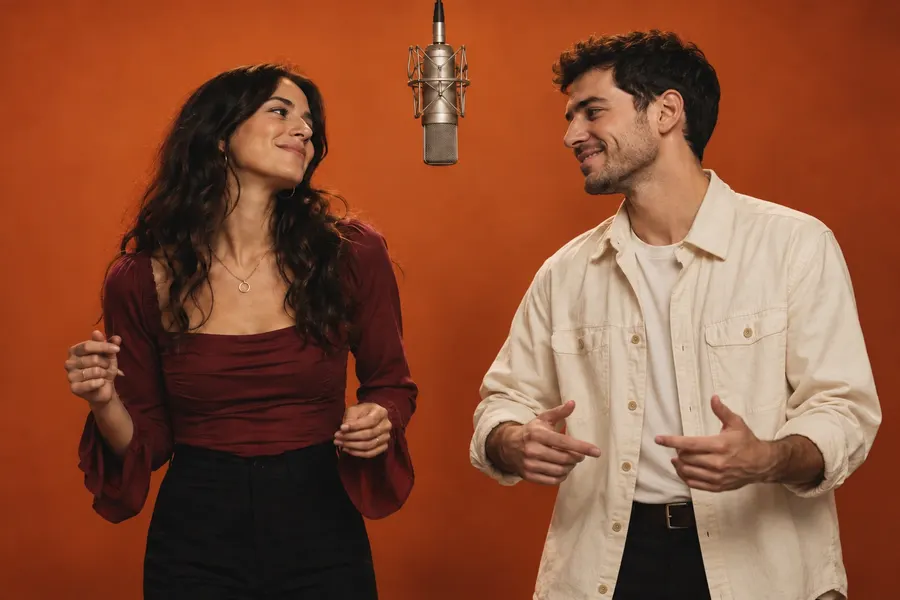
A SHARED MOMENT
Matching energy, contrasting outfits. Turn a familiar pair into a two-person performance.
Explore the prompt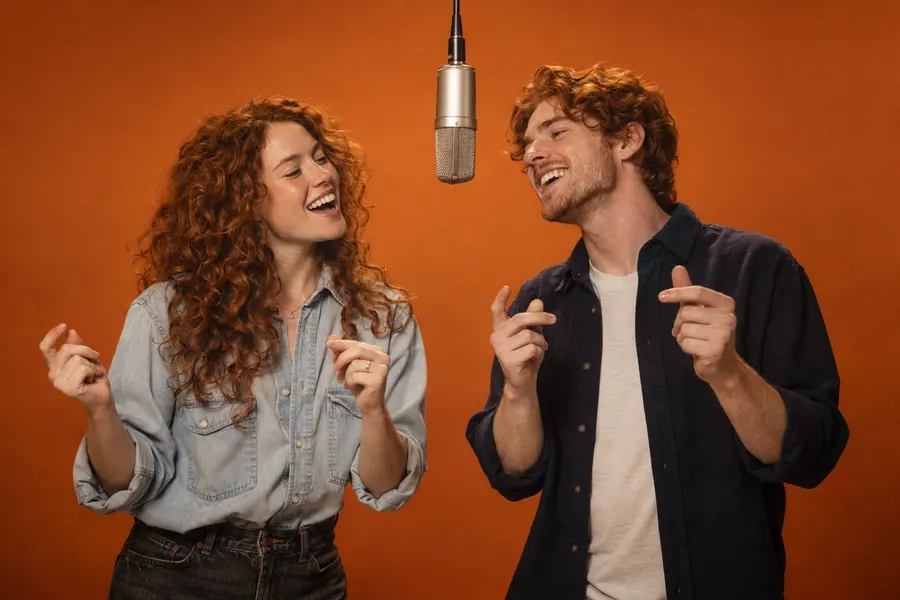
FAMILY CHEMISTRY
Choose the lead, pick the outfits, and let the family resemblance do the rest.
Explore the promptA Hotel Lobby AI video starts with your two photos. Keep the setup simple, preview the scene, and let the performance carry the idea.
Add one portrait for the left performer and one for the right. Hotel Lobby AI works best with one visible face per image. Check the crops, then swap their positions if needed.
Preview the orange studio, microphone and performance. Your Hotel Lobby AI template supplies the scene; your two photos supply the cast. Keep the original look or explore another duo concept.
Review the setup and displayed credits, then generate. Follow your Hotel Lobby AI task in My videos, watch the finished clip, and save the result before sharing it.
The Hotel Lobby AI experience brings casting, a recognizable scene and video generation into one focused workflow. Here is the result we are building toward.
Hotel Lobby AI puts the focus on your two performers. The uncluttered orange backdrop and suspended microphone make the setting immediately recognizable, while your chosen faces bring a new relationship into the scene.
A Hotel Lobby AI video uses the reference performance to guide the action and composition. The goal is connected body movement and consistent identities, from the opening pose to the hand gestures. Review the whole result, especially moments when a face turns or a hand crosses the microphone.
The planned Hotel Lobby AI format brings together a 30-second performance, vertical 9:16 framing and source audio. Hotel Lobby AI keeps your completed tasks together in My videos, so you can find the result, play it back and download a copy.
Start with two friends, siblings or a couple, then explore a costume contrast. Hotel Lobby AI also has pet-and-owner, wardrobe adjustment and solo replacement concepts in its library. These expanded modes are being prepared; the active tool currently uses two portraits and the original template.
Better source photos make your Hotel Lobby AI setup easier to control. A few checks before generating can do more than a longer prompt.
Give Hotel Lobby AI a clear identity to follow. Group photos, tiny faces and heavy beauty filters make that harder. Choose separate portraits with visible eyes, a clear jawline and enough room around the head.
A sharp half-body photo gives Hotel Lobby AI more information about the outfit than a tightly cropped face. Keep strong costume details visible without covering the eyes. For more control, explore the Hotel Lobby AI prompt library and its wardrobe directions.
The upload positions matter. Watch the Hotel Lobby AI reference and imagine which person should lead each moment. Review both preview slots before submitting. If the duo feels reversed, use the swap control; there is no need to upload both files again.
Watch your Hotel Lobby AI clip with sound, then check the faces, hands and crop without it. If an identity drifts, improve that portrait before generating again. A new attempt can use more credits, so change one meaningful input at a time. Download the Hotel Lobby AI result you want to keep instead of relying on a temporary provider link.
What to know before making your first Hotel Lobby AI video.
Hotel Lobby AI describes the two-person video format with an orange backdrop and a suspended microphone, inspired by the COLORS performance associated with “Hotel Lobby.” It is a studio scene rather than footage inside a hotel. This Hotel Lobby AI tool uses two photo references and a configured video template to guide character replacement. The service is independent and is not affiliated with COLORS or Kling AI.
Hotel Lobby AI accepts JPG, PNG and WebP images, up to 5 MB each. Upload one clear portrait per slot. If a file is too large, export a smaller copy while keeping the face sharp. A clean original photo gives Hotel Lobby AI more useful detail than a compressed screenshot.
Solo replacement is planned for Hotel Lobby AI. The current generator expects two separate photos, one for each performer. Use the solo prompt as a creative brief for an editor that supports selective replacement. Until the dedicated mode is available, do not assume that leaving one upload empty will preserve the original performer.
Hotel Lobby AI casting ideas include friends, couples and siblings of any gender. Choose a portrait that clearly shows the person and their outfit. More explicit clothing controls are planned. Hotel Lobby AI results depend on the source images and model, so review identity, fit and continuity throughout the clip.
You can explore Hotel Lobby AI previews, templates and prompts without paying or signing up. Free personalized trials and a simpler start are planned. The current generation flow requires an account and uses the displayed credits when enabled. Check the Hotel Lobby AI free page and the live tool for availability before submitting.
Check the permissions for your photos, depicted people, source footage and music before publishing commercially. A Hotel Lobby AI generation does not grant rights to material supplied by someone else. The reference preview is a creative example, not a blanket commercial license. Review the final clip and your intended use separately.
The Hotel Lobby AI integration requests preservation of the configured template’s audio. That does not grant permission to distribute a particular recording or song. Listen to the output and confirm you have the rights required for your intended use. If you add music through a social platform, follow that platform’s available licensing options rather than assuming every exported soundtrack can be reused everywhere.
Hotel Lobby AI processing time varies with the provider’s queue and the source clip. Check the task status in My videos instead of repeatedly submitting the same photos. Closing the creation page does not remove your recorded task. Hotel Lobby AI shows completed results when you return and refresh the job; the preview player is not a live progress estimate.
Hotel Lobby AI keeps selected previews on your device until generation starts. Submitted images pass to the video provider for processing; they are not saved as image bodies in the application database or published in a public gallery. Provider retention rules still apply. Generated video links may be accessible to anyone who receives the link, so share them thoughtfully and read the privacy policy.
Sign into the same account and open My videos to locate your Hotel Lobby AI tasks. Completed clips include a player and a link to the output file. Save important results promptly because provider-hosted links may expire. If a task fails, its deducted credits are returned; if a status refresh fails temporarily, the render may still be running.
See the format, prepare your photos, find a prompt or learn the story behind the song. Each guide brings you back to the Hotel Lobby AI generator when you are ready.