
Hotel Lobby CapCut Template vs AI Generation
A Hotel Lobby CapCut template can arrange your photos or clips into an existing edit. To create a new duo performing in the orange studio, choose an AI workflow that supports the required character references. You can also generate a clip first and finish it in CapCut.
This guide uses official documentation checked on October 4, 2026; no exports were benchmarked.
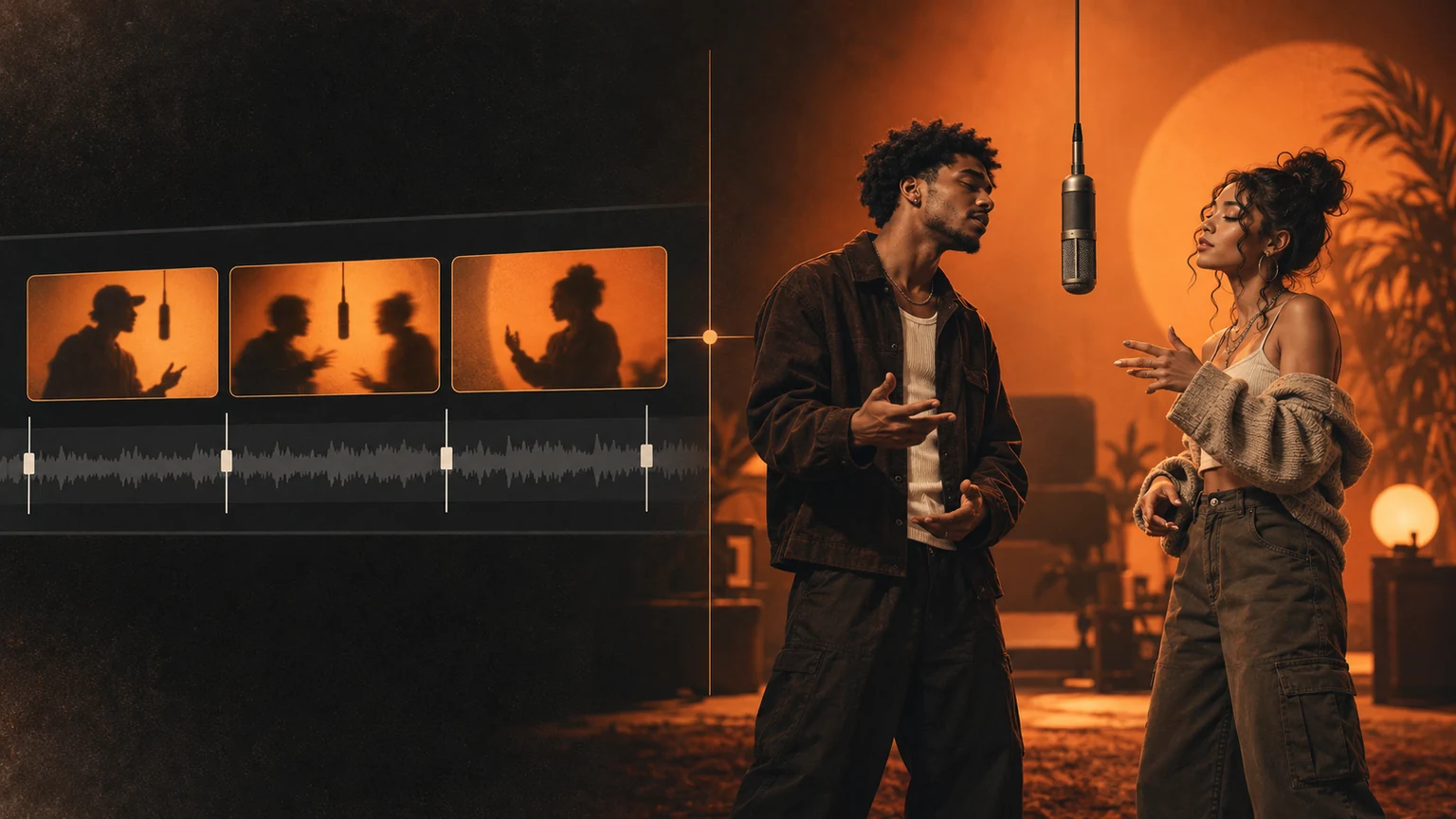
Concept illustration of editing existing footage and imagining a new cast. This is not a product screenshot or a generated video sample.
Find a Hotel Lobby CapCut template for your goal
Search for “Hotel Lobby” in the mobile app’s Templates tab, or follow a creator’s CapCut template link from TikTok. CapCut’s template search guide explains these entry points.
The Hotel Lobby CapCut template name does not identify one uniform effect. A public seven-clip listing and a two-clip listing both use that name. Their pages show different input requirements; neither listing was verified here as the orange duo recasting effect.
Before choosing a Hotel Lobby CapCut template, preview the complete Hotel Lobby CapCut template example. Look for two performers, an orange background, a hanging microphone, and the specific transformation you want. Check whether it asks for finished Hotel Lobby CapCut template footage, replaceable photos, or an AI generation step. Two media slots alone do not prove it can animate two identities.
Compare a Hotel Lobby CapCut template with new generation
CapCut has its own image-to-video generation tools. The useful distinction is the operation you select inside a tool, rather than its brand.
| Decision | Hotel Lobby CapCut template | AI reference workflow |
|---|---|---|
| Starting material | Photos or finished clips requested by the template | Portraits, and sometimes authorized reference video |
| Main task | Reuse timing, layout, transitions, and effects | Create or edit performance imagery |
| Cast | Usually supplied by your existing media | Defined through supported character references |
| Motion | Comes from clips or template animation | Generated or guided by reference footage |
| Final checks | Cropping, timing, branding, export access | Identity drift, hands, motion, audio, export access |
| Cost | Depends on template and premium assets | Depends on generation settings and available credits |
These are workflow categories. An AI-powered template can combine them, so inspect its controls before deciding.
Keep comparisons fair: use the same portraits, scene goal, and intended output length. Record the settings and review the entire export. If one tool edits a reference performance while another invents movement from photos, differences in choreography are expected. That comparison can explain which task each workflow handles, but it cannot establish a general quality ranking.
Use a Hotel Lobby CapCut template on your phone
For a conventional Hotel Lobby CapCut template, follow the mobile use and export instructions:
- Open the template and choose Use template.
- Select the requested photos or videos.
- Preview the edit and replace unsuitable media.
- Adjust editable crops, then review the export screen.
- Save the file and play the downloaded version.
This route suits footage you already like. If your photos only appear as still frames or cutouts, changing the Hotel Lobby CapCut template soundtrack will not create a newly performed scene. Confirm the Hotel Lobby CapCut template preview meets your goal before paying.
When a Hotel Lobby CapCut template needs generated footage
If a Hotel Lobby CapCut template cannot create the cast you want, investigate a suitable AI reference workflow. Prepare one clear, authorized portrait per person, assign left and right roles, and check the supported inputs before generating.
For original movement, use a model that accepts a motion reference. Higgsfield’s explanation distinguishes motion transfer from swapping selected elements. A still image and a short prompt should not be treated as a precise choreography guarantee.
Watch both faces throughout the result, especially during turns and overlaps. Check hands, clothing, and the microphone. A good opening frame is insufficient. The two-photo walkthrough explains preparation and reviewing the quote.
Hotel Lobby CapCut template access, costs and watermarks
A free Hotel Lobby CapCut template preview does not guarantee free export. Check the Pro badge and each selected Hotel Lobby CapCut template effect or asset. CapCut documents paid template conditions, while its watermark guide describes branding that may be part of an editable Hotel Lobby CapCut template outro.
An outro and a paid Hotel Lobby CapCut template export requirement are different conditions. Removing a Hotel Lobby CapCut template ending does not unlock a premium feature.
For AI, check the quoted generation cost, remaining credits, duration, download access, and watermark conditions. Budget for another attempt if the first completed result needs changes. Review current pricing; the first generation requires a paid credit pack, and higher settings can cost more.
Compare the cost of obtaining a Hotel Lobby CapCut template export from a usable saved clip. Include paid assets, necessary generation attempts, and any export restriction. Record the date and account conditions alongside the price. A lower advertised entry price is incomplete information when the selected Hotel Lobby CapCut template workflow needs additional credits or another paid step.
When a Hotel Lobby CapCut template is unavailable
If your Hotel Lobby CapCut template link fails, check the Hotel Lobby CapCut template app version, connection, account eligibility, and whether the creator removed the Hotel Lobby CapCut template. The official troubleshooting page recommends updating without uninstalling first, which could remove local drafts.
Desktop and mobile template discovery can differ. CapCut’s help pages describe desktop support inconsistently, so use the controls available in your version. If the required Hotel Lobby CapCut template remains inaccessible, choose a manual Hotel Lobby CapCut template edit for existing footage or a supported generation workflow for a new cast.
Finish your Hotel Lobby CapCut template edit
A Hotel Lobby CapCut template and an AI clip can be parts of the same Hotel Lobby CapCut template project. CapCut’s Hotel Lobby explanation describes generating outside the editor and importing the selected result for finishing.
Choose a vertical canvas when needed. Keep both performers visible through the whole clip. If filling the frame crops someone out, reduce the video’s scale and use background space. CapCut’s resizing instructions explain ratio and framing adjustments.
Trim the lead-in, add a short title, and check audio levels. Rewatch the saved Hotel Lobby CapCut template export. Editing can refine presentation; an incorrect face or missing action may require another generation.
Hotel Lobby CapCut template music and photo privacy
Using a Hotel Lobby CapCut template does not establish permission to reuse the original recording. Check your intended platform, account type, and use. The CapCut US materials agreement limits its Commercial Sounds permission to specified platforms. Read the song guide before adding source audio.
YouTube says externally added music can receive copyright claims and requires disclosure of realistic AI changes.
CapCut’s privacy policy describes possible pre-uploading before saving or publishing. Online AI tools also have processing and retention conditions. Read our photo processing policy before submitting portraits.
Ask who receives the files and how deletion requests work. Check the generator and its processing providers separately. Removing a browser preview, deleting an editing project, or letting a temporary link expire may leave submitted media elsewhere. Choose photos you are comfortable sending under those conditions.
Questions before choosing a Hotel Lobby CapCut template
Is a Hotel Lobby CapCut template always the fastest option?
There is no timed comparison here. A usable Hotel Lobby CapCut template may simplify editing; AI generation adds processing and review. Compare the work required for your Hotel Lobby CapCut template for your actual Hotel Lobby CapCut template result.
Will AI keep both faces identical?
No perfect identity guarantee was verified. Review the complete clip, and change one input at a time if you retry.
Keep a Hotel Lobby CapCut template project checklist
Record the Hotel Lobby CapCut template link, required media slots and any paid effects before editing. Keep the original generated clip outside the project as well. If the Hotel Lobby CapCut template disappears later, that saved source gives you material for a manual edit. Preview both performers at the start, during movement and at the ending before exporting. A Hotel Lobby CapCut template can help organize presentation, but it cannot certify the identity or timing of footage created elsewhere. Judge the final saved Hotel Lobby CapCut template file against the task you actually wanted to complete.