
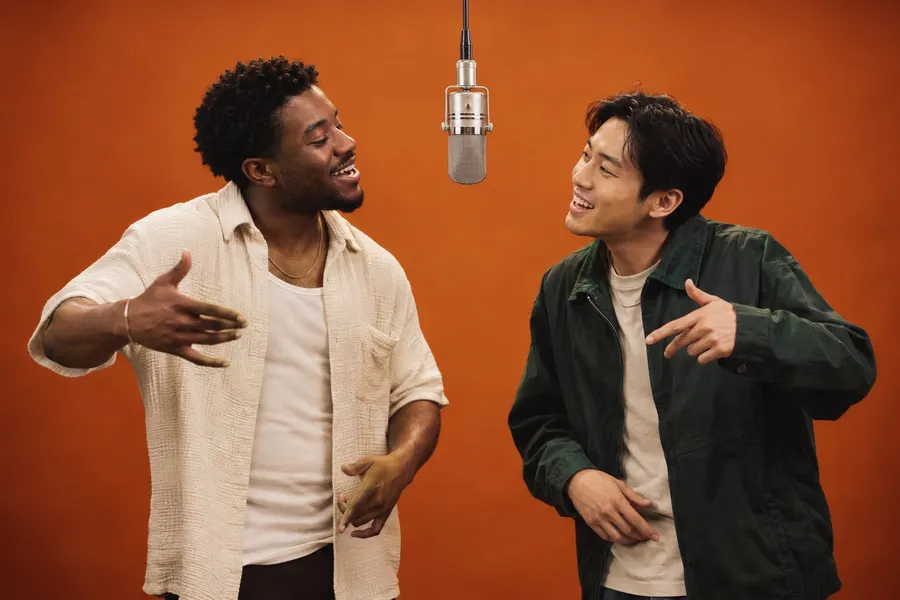
TWO PERSONALITIES
Friends duo
Your group chat’s headline act. Give the opening moment to the friend who would take the mic first.
Explore the promptONE STAGE. YOUR CAST.
Keep the orange stage. Change who takes it. Start with the original performance template, then use these style directions to plan a friends duo, a couple, a character contrast or an unexpected pairing.
Use the original templateA template sets the scene and movement; a casting idea changes who appears in it. Original orange studio is the current generator template. The other entries below are style concepts and planned modes, with prompt ideas you can prepare now.
TWO PERSONALITIES
Your group chat’s headline act. Give the opening moment to the friend who would take the mic first.
Explore the prompt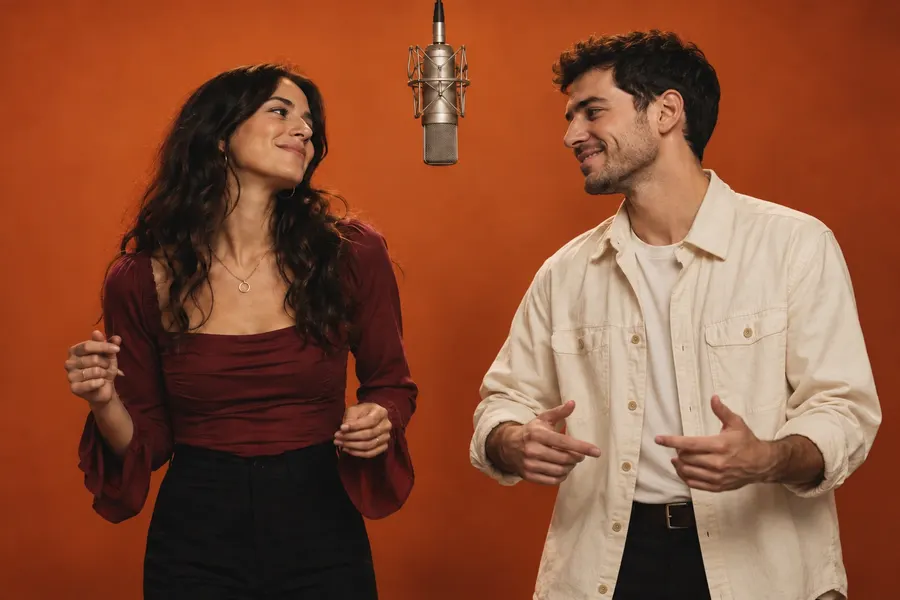
A SHARED MOMENT
Matching energy, contrasting outfits. Turn a familiar pair into a two-person performance.
Explore the prompt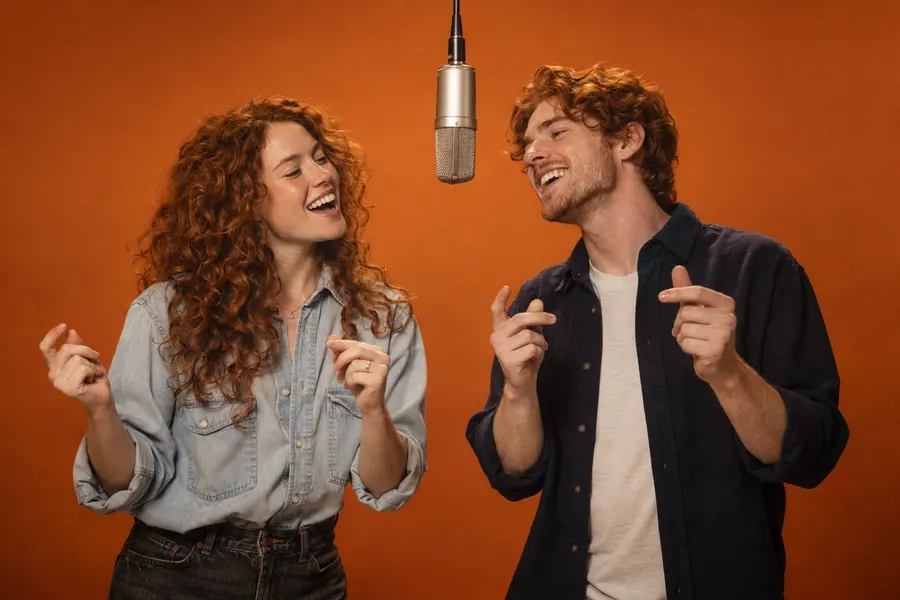
FAMILY CHEMISTRY
Choose the lead, pick the outfits, and let the family resemblance do the rest.
Explore the prompt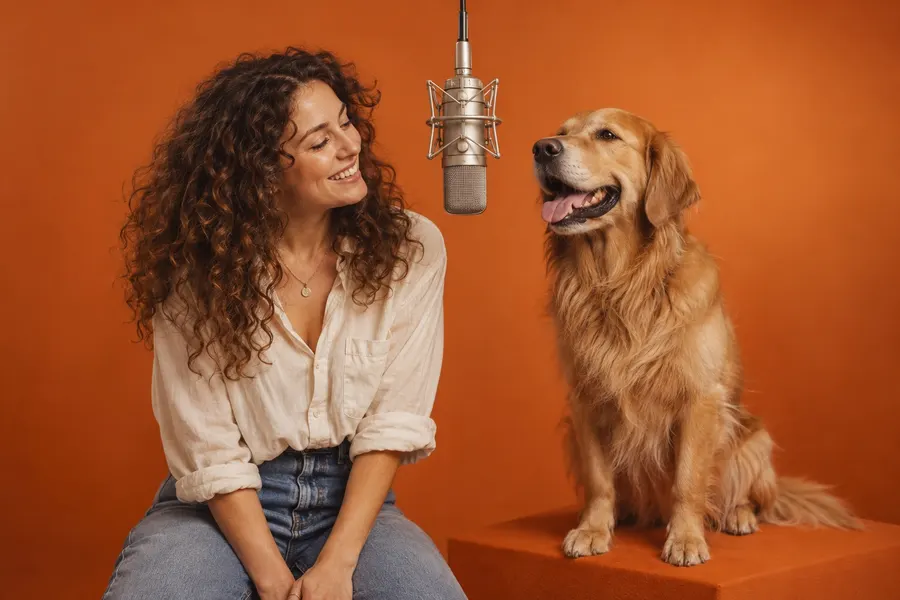
AN UNEXPECTED DUO
An expressive pet and its favorite person. Plan a playful, stylized version of the scene.
Explore the prompt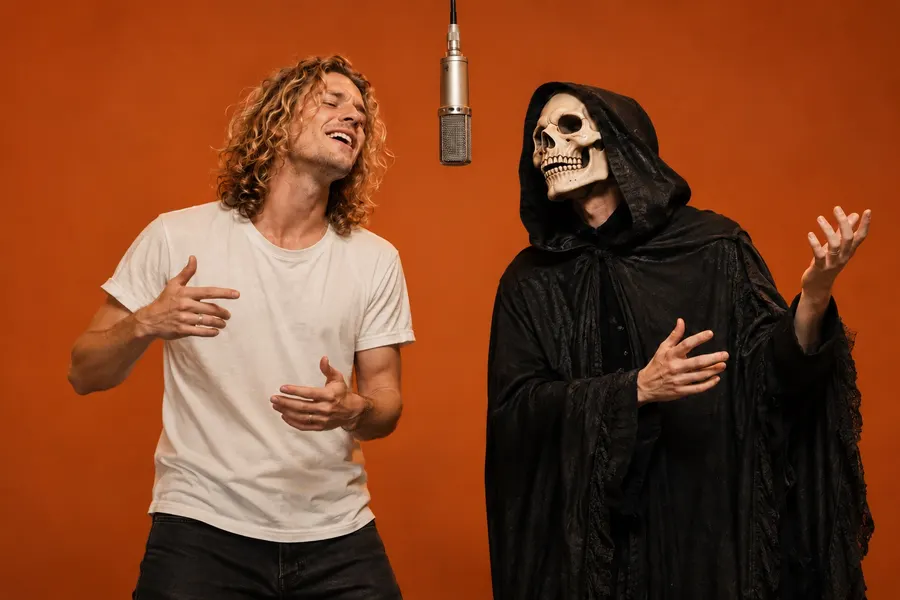
MAKE AN ENTRANCE
Everyday clothes meet a dramatic character. Keep the faces clear and the contrast bold.
Explore the prompt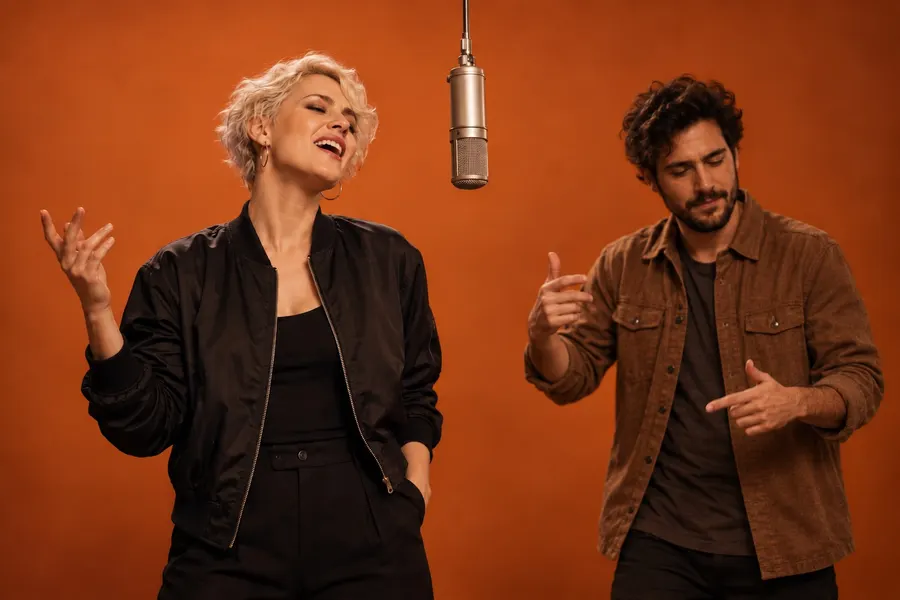
ONE NEW LEAD
Change one performer while keeping a partner in the scene. A selective replacement concept.
Explore the promptFriends and siblings work because viewers already understand the connection. Pet-and-owner and costume pairings work through contrast. Choose the idea before searching through dozens of photos.
A clearly visible face matters more than a dramatic pose. Use an image with enough shoulders and clothing to support the intended look, and keep each person in a separate file.
The reference video tells you how the bodies move and where they overlap. A still image cannot show whether a face turns, a hand crosses the frame or a performer leans toward the microphone.
The core idea keeps the orange backdrop, suspended microphone and two-person performance composition. Your portraits change the cast. Clothes, hairstyle and accessories can be part of the reference, while more explicit wardrobe and single-performer controls are planned extensions.
The intended short-form export is 30 seconds in a vertical 9:16 frame with source audio. Availability follows the active template. Before submitting, use the generator’s controls and preview to confirm what your current template supports.
Choose a concept, gather its two reference photos and open the homepage generator. Review left and right, select the original studio template, and submit when the service is available. The concept links below lead to relevant prompts; they do not silently switch the model or submit a paid task.
For your first clip, keep the setup simple. A recognizable pair with good source photos usually gives you more useful feedback than changing the cast, clothes, scene, lighting and camera direction all at once.
No. A template supplies a reference scene and performance. A prompt describes how an editing model should treat that reference. The original generator uses a fixed template without requiring a custom prompt.
The site offers a playable reference preview. A preview is not a general license to download and reuse the source performance. Use an authorized source for your own editing workflow.
A dedicated solo replacement mode is planned. The current generator expects two separate input images. The solo concept in the prompt library is for planning a workflow with selective replacement support.
YOUR TWO PHOTOS. YOUR MOMENT.