
Hotel Lobby Video Ideas
Start your Hotel Lobby video ideas with two recognizable performers, one shared moment and one short topic. A friends reunion, anniversary or graduation gives the rap something concrete to celebrate. Choose a pairing below, prepare the photos and use its button to open the creator with the topic already filled in.
Each scene includes a people pairing, photo advice and a one-line brief. Friends, anniversaries, older friends, pets and original animated characters have existing generated videos attached. The other scenes are creative plans; their pictures illustrate references or casting rather than a completed result.
The video examples are actual saved generations made with fictional, imagegen-created subjects, not customer footage. They retain their recorded topics and settings. Hover over a result to preview it silently; on a phone, tap the preview. Use View original inputs & full result to inspect the portraits, playback with sound and the generation record.
Friends reunion
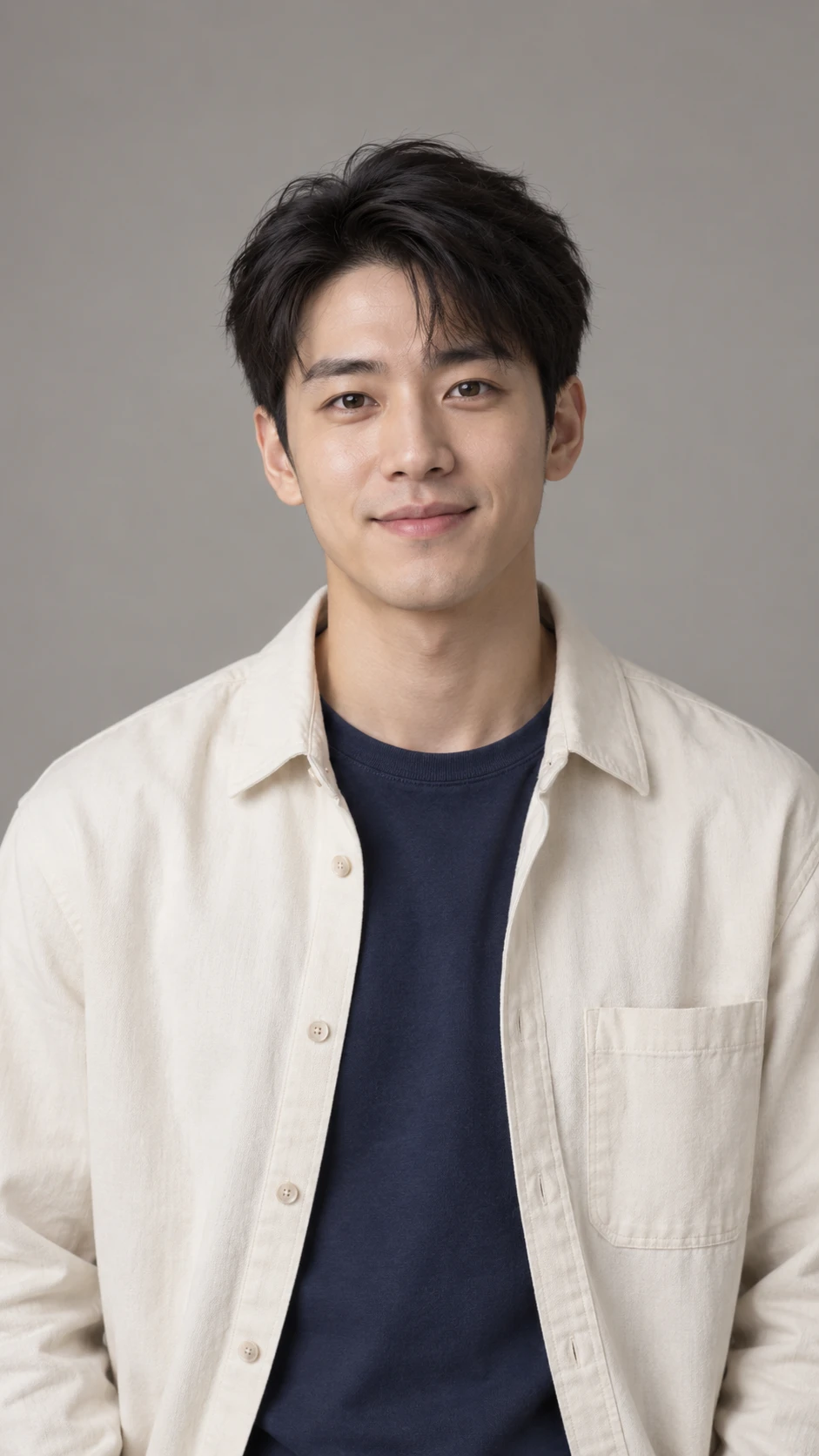
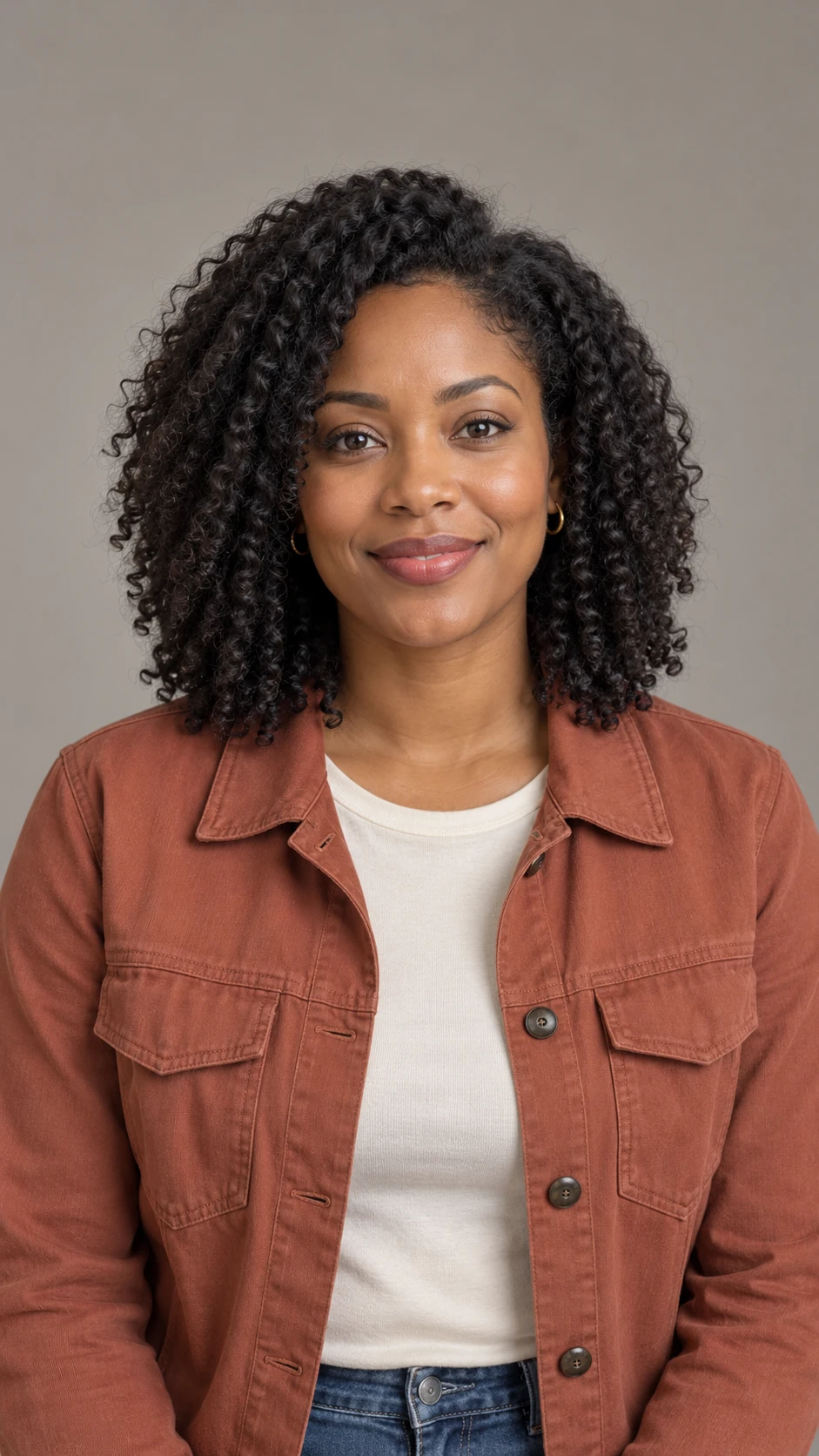
Existing generated result
10s · 480p · 9:16 · Original AI rap
View original inputs & full resultWatch full video ↗People: Two adult friends with a shared memory, whether they see each other every week or once a year.
Photo advice: Use two clear upper-body portraits with similar brightness, or one shared photo with both faces unobstructed. Keep the left and right roles consistent when reviewing.
One-line topic
Two adult friends celebrating their Friday reunion, playful and upbeat
The existing clip shown here uses this exact reunion topic. Watch both faces through turns and fast gestures; one successful frame does not establish the whole result.
Use the friends topicCouple anniversary


Existing generated result
10s · 480p · 9:16 · Original AI rap
View original inputs & full resultWatch full video ↗People: An adult couple marking a year together, a wedding anniversary or another shared milestone.
Photo advice: Separate portraits work, as does a shared photo with space between the faces. Choose references that show both people as they want to appear now.
One-line topic
An adult couple celebrating their anniversary with a warm playful original rap
The existing anniversary demonstration uses the topic shown here. If a specific date or name must be correct, listen to the full output and add verified text afterward.
Use the anniversary topicBirthday duo


Existing generated result
10.08s measured · Seedance 2.0 Mini · Native original AI audio
View original inputs & full resultWatch full video ↗People: The adult birthday recipient and a friend or partner who knows one happy detail about them.
Photo advice: Use a recent shared portrait or two separate photos. Keep cake, balloons and raised hands away from the eyes and mouth; the party details can go in the topic.
One-line topic
Happy 30th birthday to Maya, celebrating with her friend Jordan, our favorite weekend baker, cheerful and affectionate
The linked case uses these fictional birthday performers and the recorded topic. Check any generated age or name before sharing; the topic is direction rather than a guaranteed lyric script.
Use the birthday topicCoworker milestone
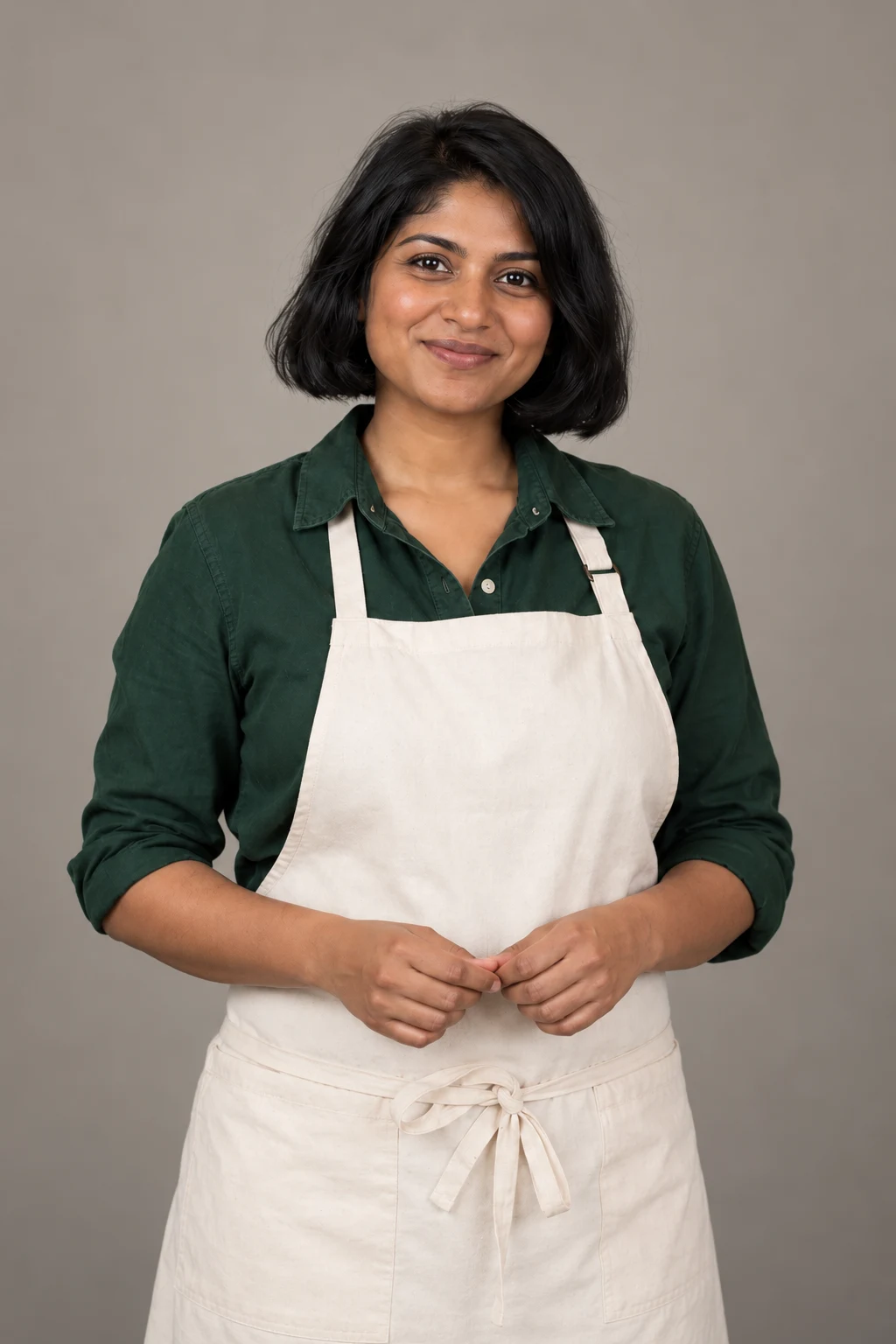
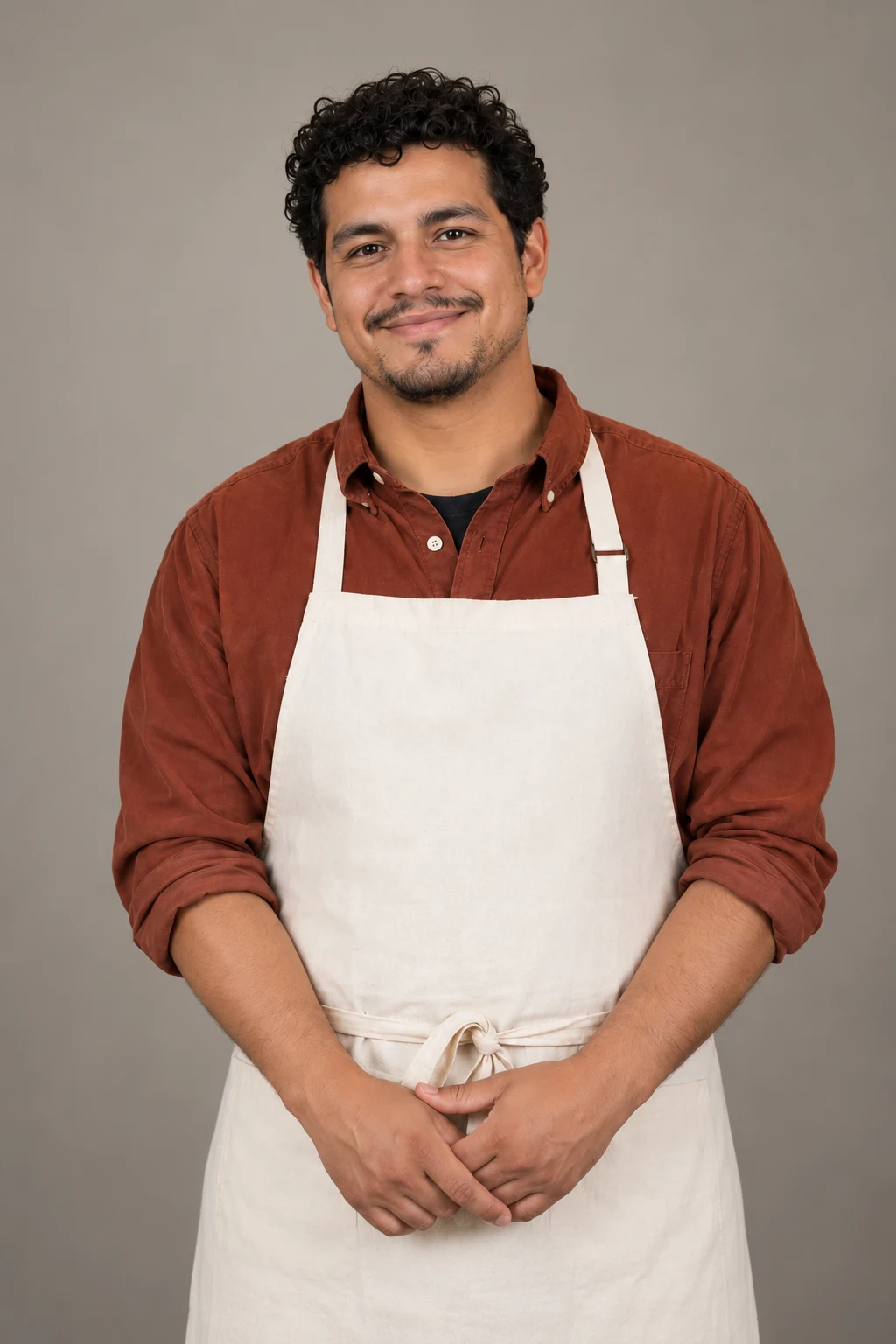
Existing generated result
10.08s measured · Seedance 2.0 Mini · Native original AI audio
View original inputs & full resultWatch full video ↗People: Two consenting adult coworkers or business partners celebrating a launch, finished project or friendly farewell.
Photo advice: Choose clean portraits or a shared team photo containing only the intended pair. Avoid confidential slides and tiny badges; add essential logos in an editor afterward.
One-line topic
Alex and Taylor opening their neighborhood bakery, celebrating fresh bread and their early-morning team, upbeat and welcoming
The bakery-partner case uses the named template directions and a business-opening topic. Name one achievement rather than a list of company claims, and listen for the details actually generated.
Use the teamwork topicSiblings and friendly rivalry
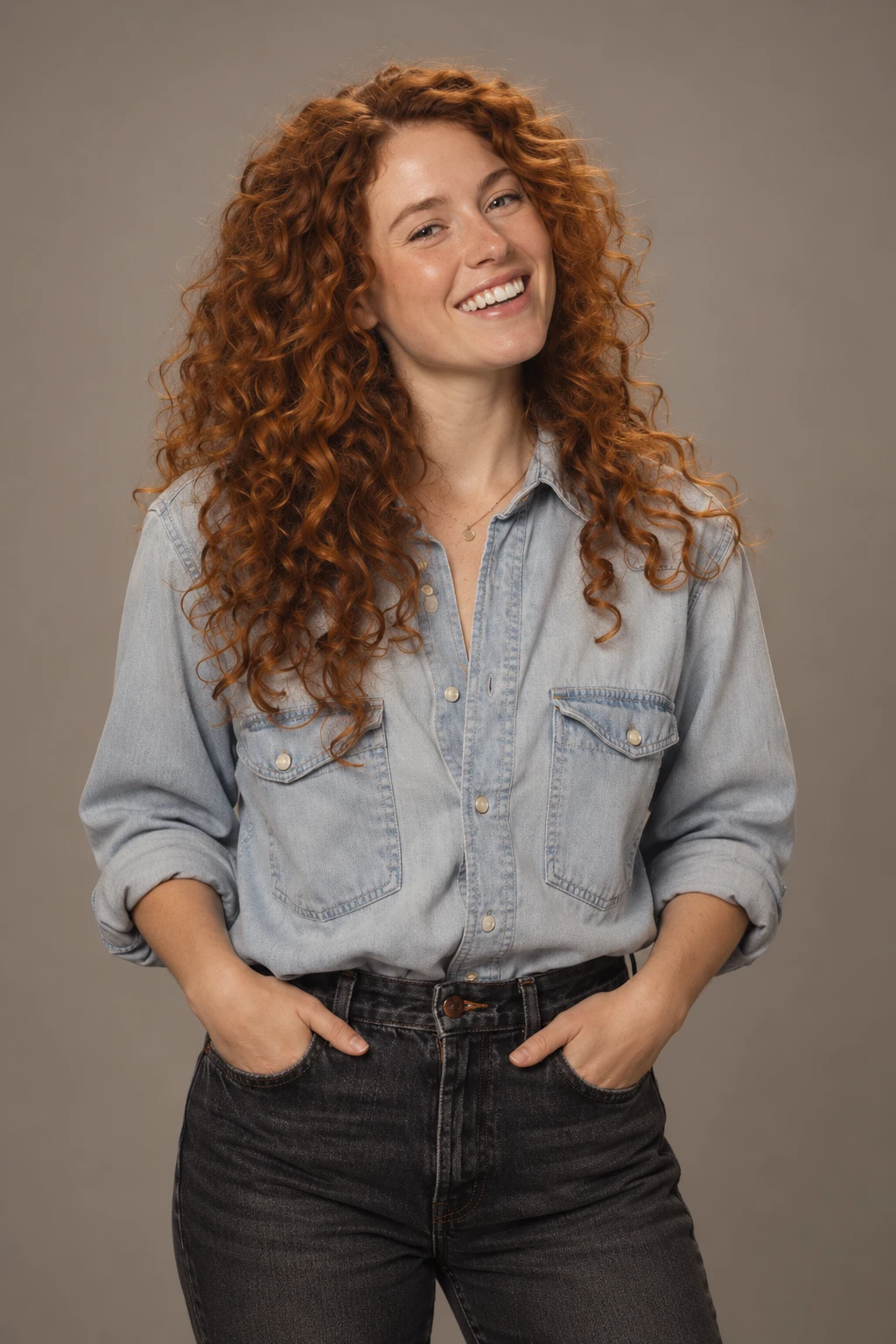

Creative plan
People: Two adult siblings: brothers, sisters or a brother-and-sister pair with a joke both enjoy.
Photo advice: For similar-looking siblings, choose references with distinct hair or clothing and both faces sharp. Separate portraits can make their intended positions easier to identify.
One-line topic
Adult siblings Alex and Morgan debating who makes the best Sunday pancakes, affectionate and lightly competitive
Pick a harmless disagreement such as pancakes or music choices. These separate imagegen portraits are a creative plan; there is no generated video for this sibling topic.
Make a sibling duoGraduation and the next chapter
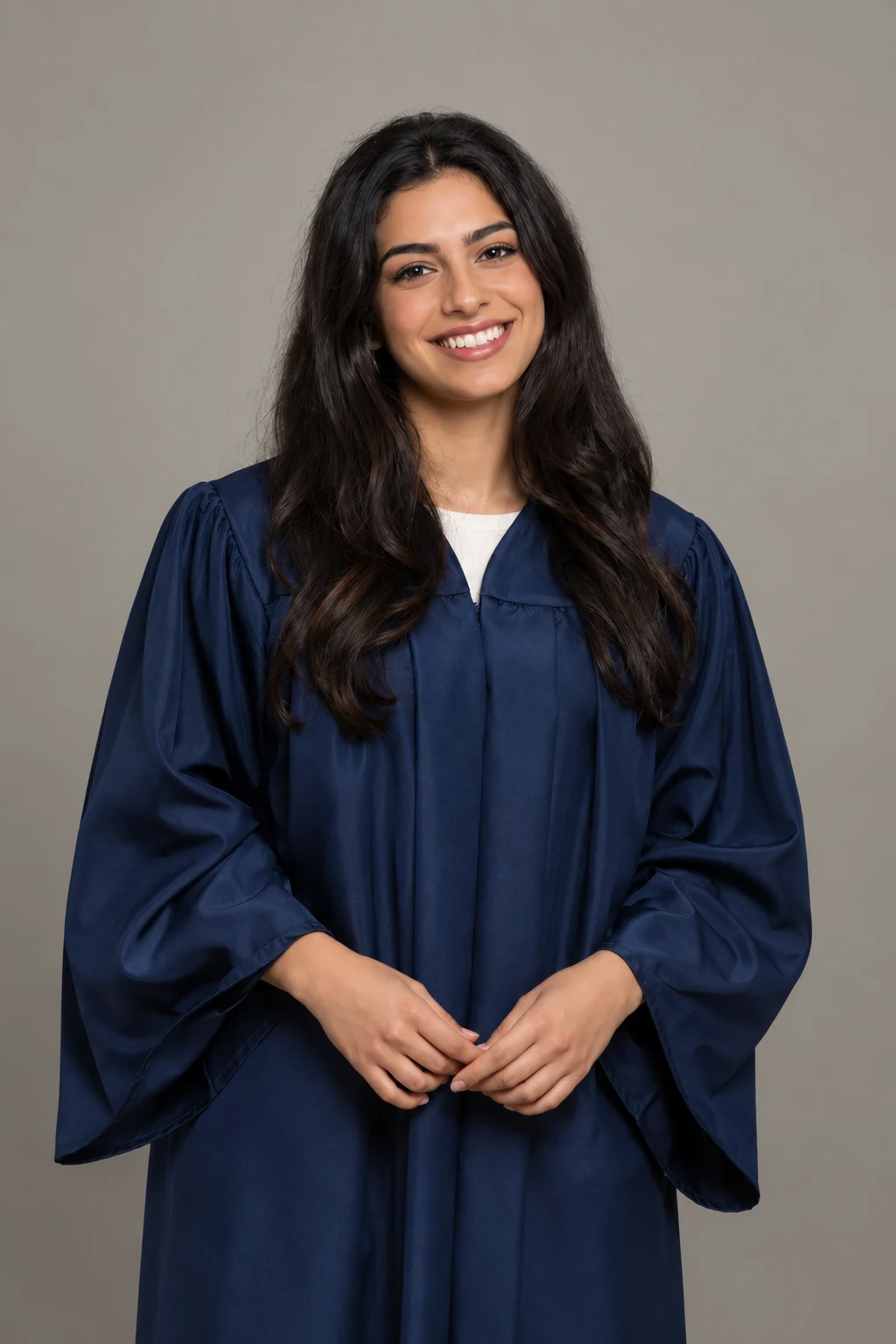
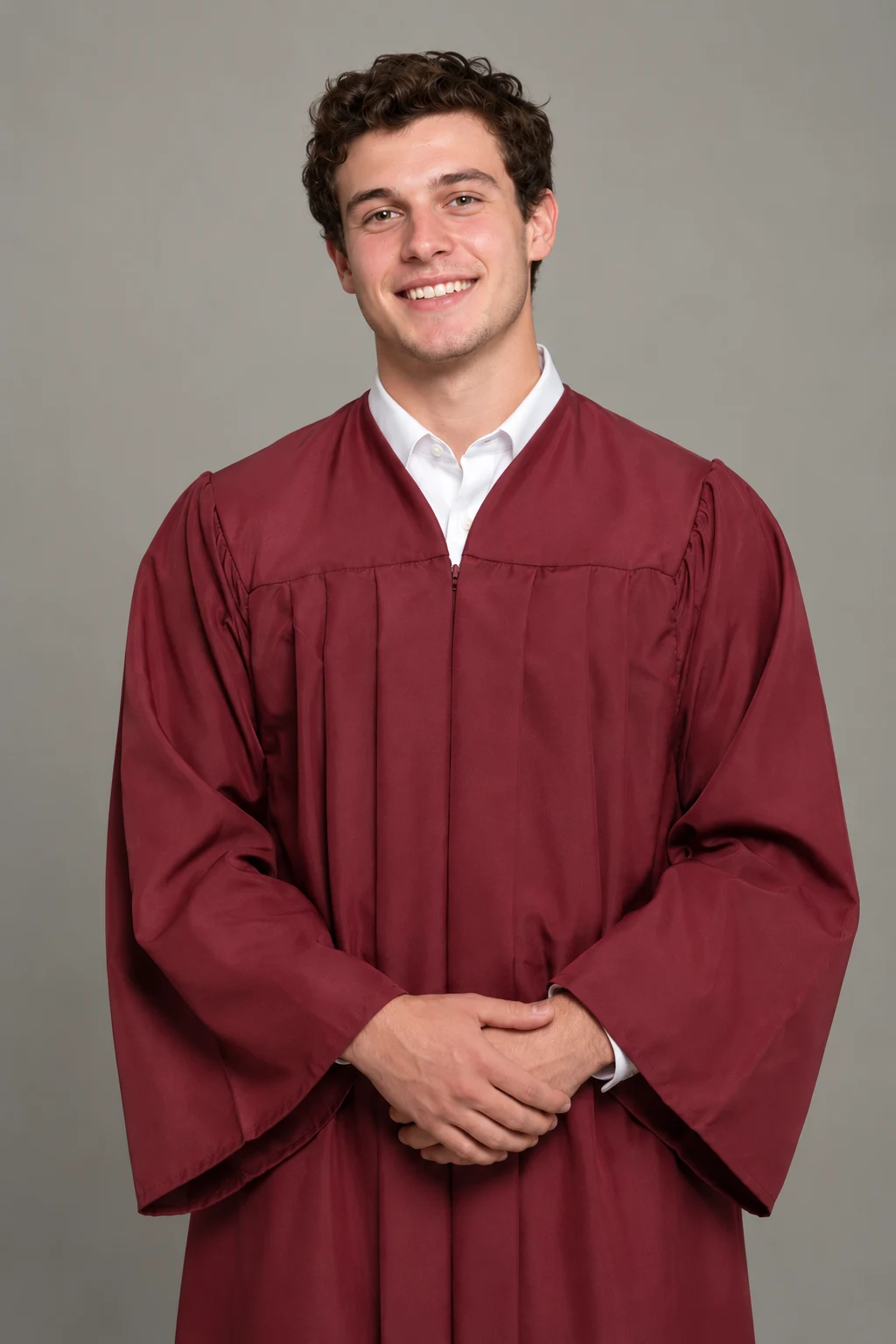
Existing generated result
10.08s measured · Seedance 2.0 Mini · Native original AI audio
View original inputs & full resultWatch full video ↗People: Two adult classmates, or a graduate and an adult friend who helped them through the course.
Photo advice: A shared graduation portrait works when both faces are visible. Move caps away from the eyes and keep gowns simple. Check faces rather than relying on a group photo.
One-line topic
Leila and Ben celebrating university graduation after years of late-night studying, proud and upbeat about their next chapter
The generated case uses this graduation topic and these fictional performers. Mention one recognizable detail, such as late study nights. The theme celebrates graduation; it does not select a campus background.
Make a graduation duoLong-distance reunion
People: Friends or adult siblings who live apart and want to mark seeing each other again.
Photo advice: Use one current portrait from each person; they do not need to be taken in the same room. Similar crop and brightness make the pair easier to compare during review.
One-line topic
Two adult best friends reunited after a year in different cities, celebrating their first coffee together again, warm and playful
Give the reunion one concrete memory. The friends example above shows a related pairing, but it was generated with its own Friday-reunion topic, not this long-distance brief.
Make a long-distance reunionLifelong friends and family celebrations
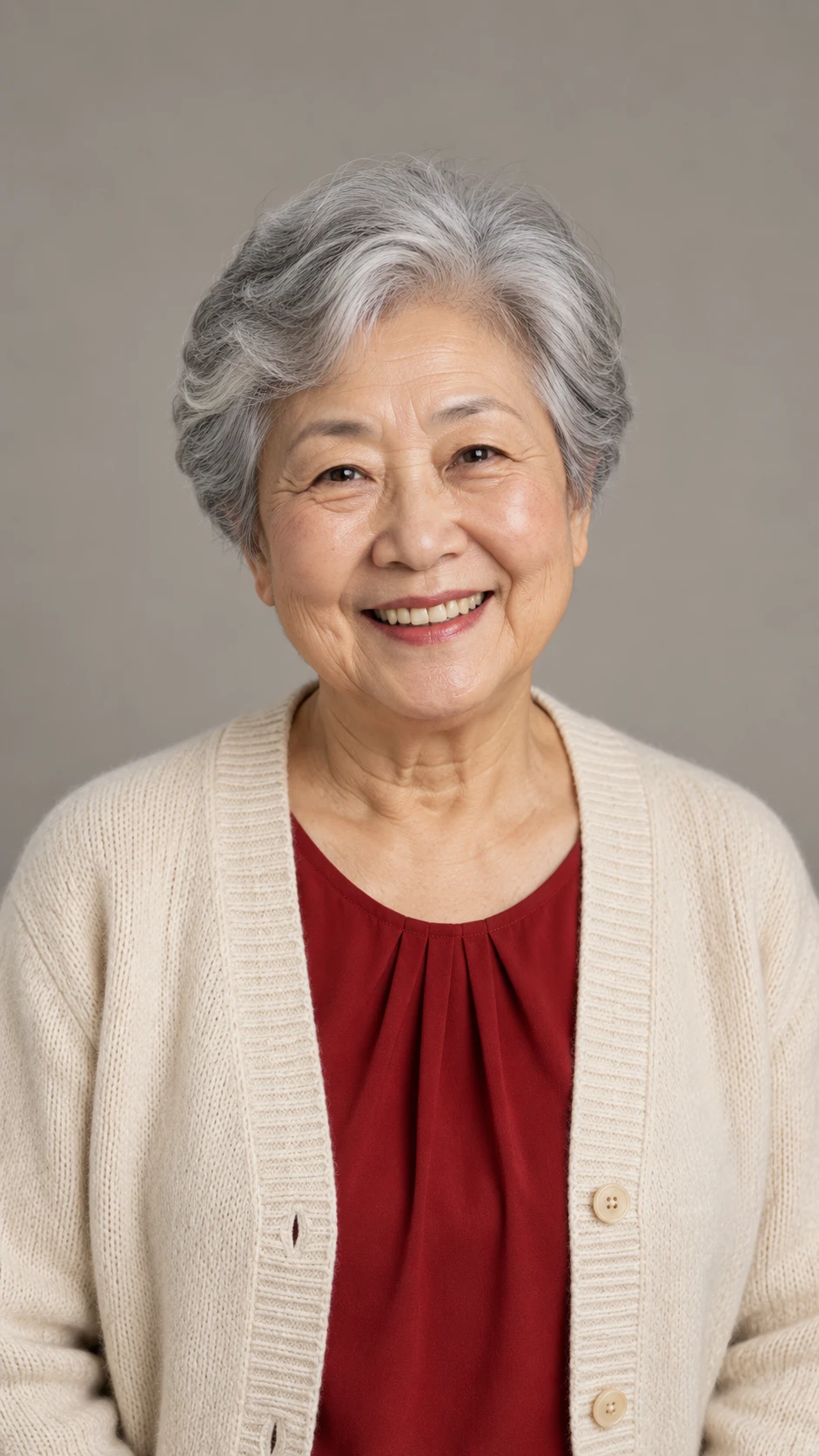

Existing generated result
10s · 480p · 9:16 · Original AI rap
View original inputs & full resultWatch full video ↗People: Two older adults celebrating lifelong friendship, or a family pair planning a gentle celebration.
Photo advice: Prefer sharp references with natural facial detail and visible eyes. Use recent photos when the intended result is their current appearance; inspect scans before uploading.
One-line topic
Two longtime friends celebrate being together again with a joyful original rap.
The existing older-friends clip uses this exact topic. Review hair, age detail and both identities during movement. A family variation is a new brief, not the same completed result.
Use the lifelong friendship topicTwo pets, one playful duo

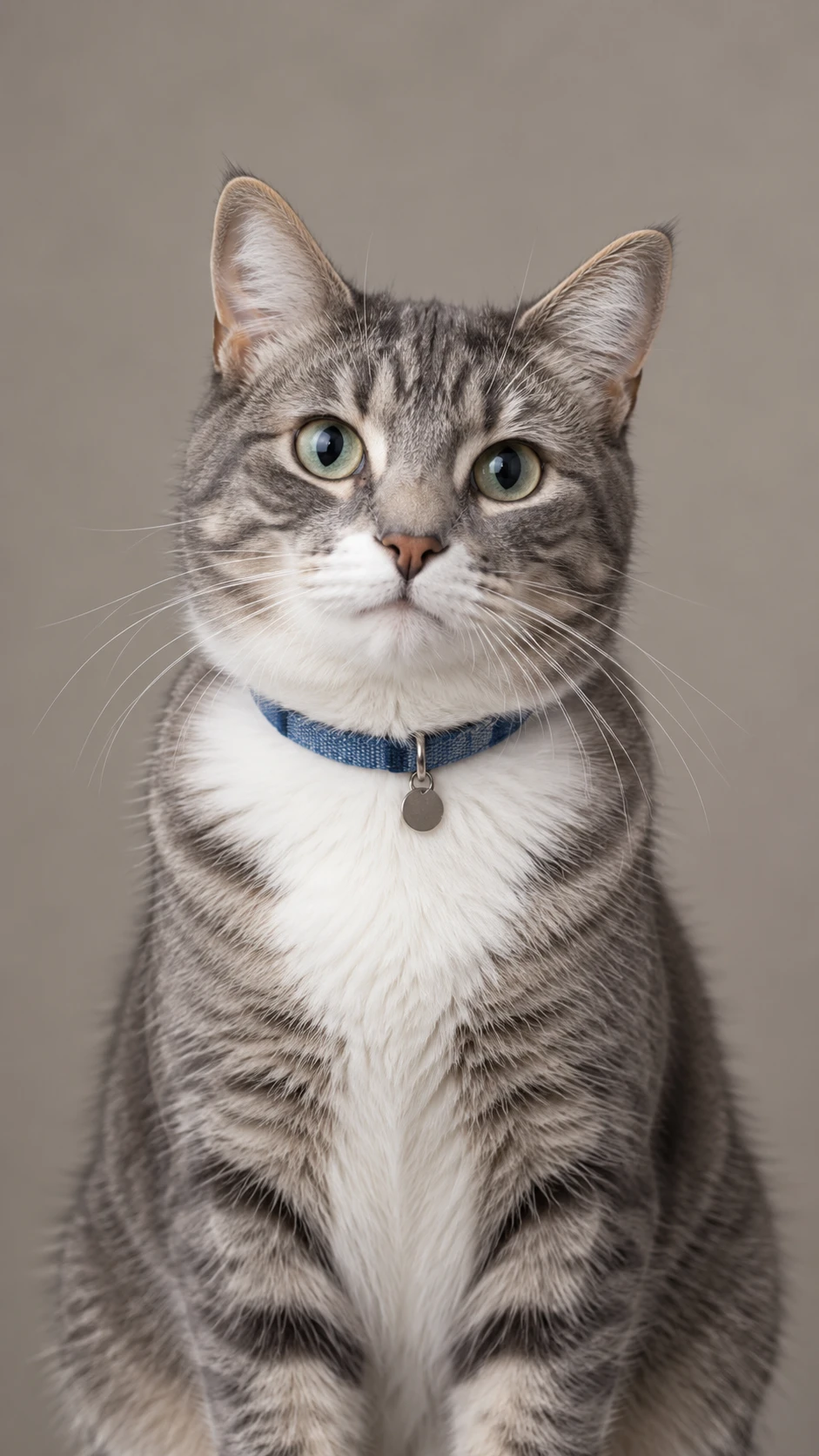
Existing generated result
10s · 480p · 9:16 · Original AI rap
View original inputs & full resultWatch full video ↗People: Two pets with clearly different markings, such as a golden retriever and a tabby cat.
Photo advice: Use one unobstructed animal face in each reference. Keep ears and markings visible and avoid costumes that cover the face. Human-style portrait advice does not resolve animal anatomy.
One-line topic
A golden retriever and a tabby cat celebrate their friendship with a playful original rap.
The existing pet demonstration is stylized. Inspect limbs and microphone interactions in the complete clip. It is synthetic performance imagery, not a recording of animals actually speaking.
Use the pet duo topicOriginal animated adventure partners
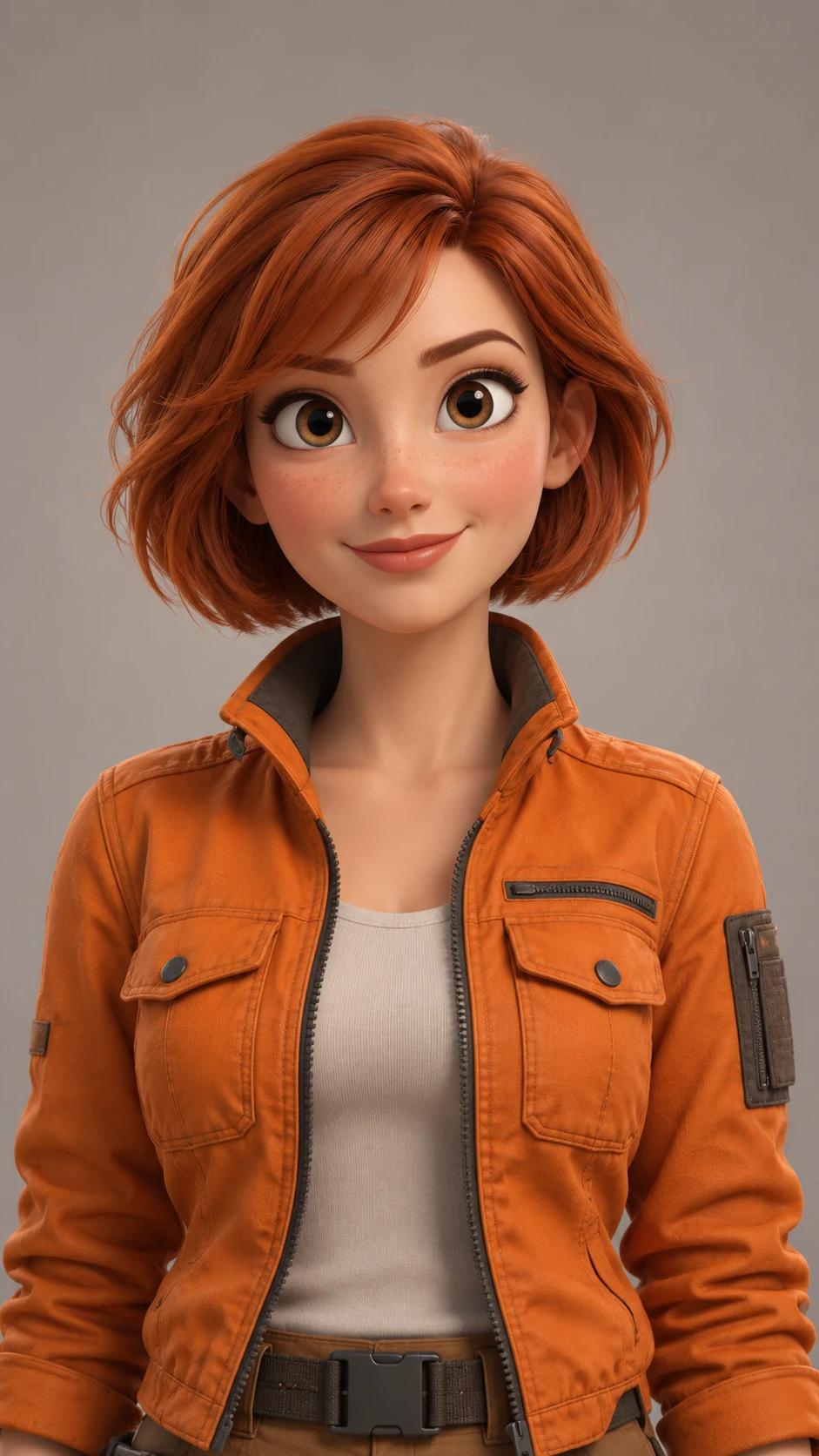
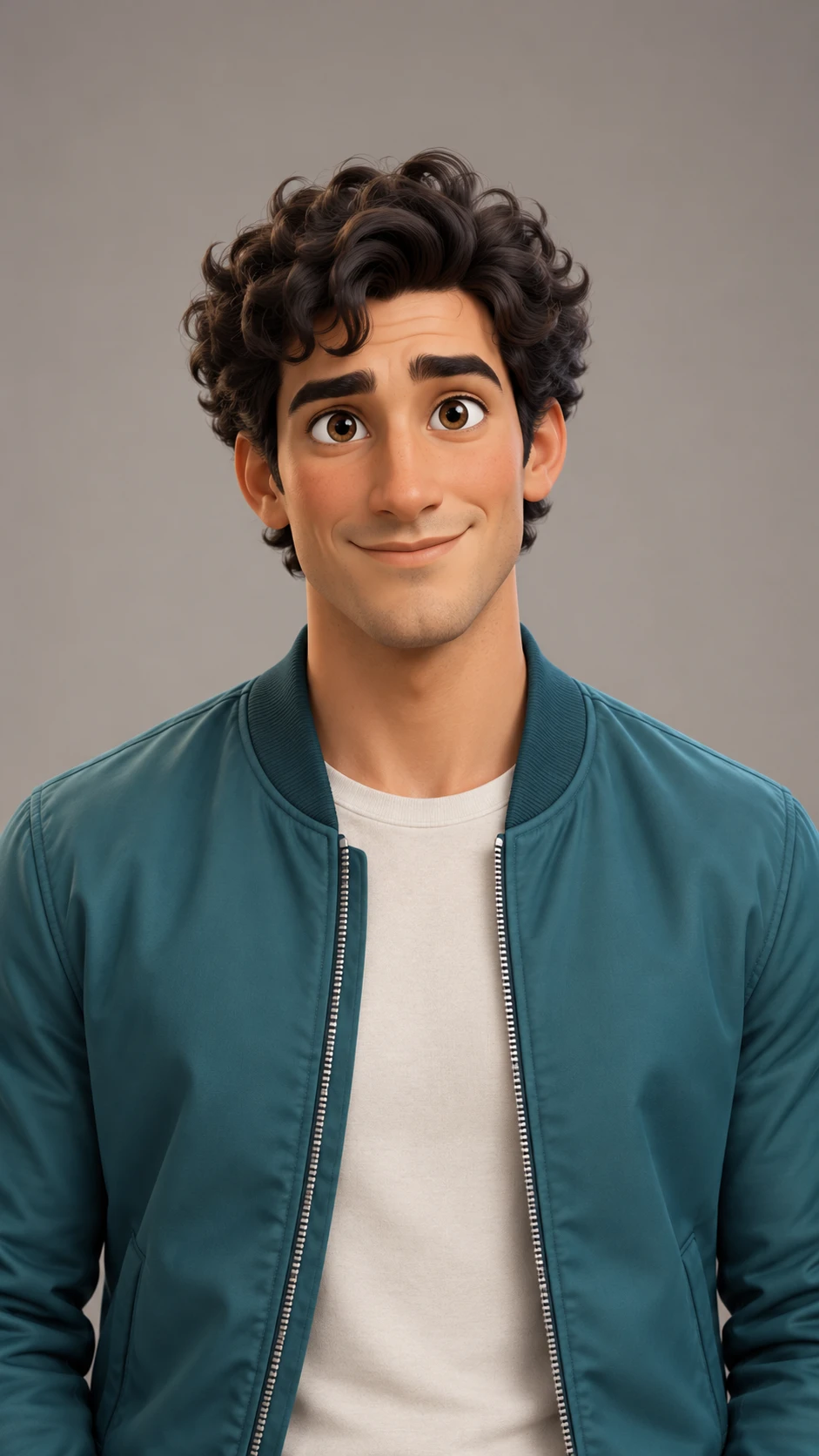
Existing generated result
10s · 480p · 9:16 · Original AI rap
View original inputs & full resultWatch full video ↗People: Two original fictional characters whose designs you can use, celebrating a shared adventure.
Photo advice: Choose character references with consistent drawing style and separate, readable faces. Distinct jacket colors help you inspect whether the identities stay in their intended positions.
One-line topic
Two original animated movie characters celebrating their adventure together in a playful original rap
The existing example uses original animated designs. Review facial consistency and style through movement; a requested theme does not guarantee an exact line of dialogue.
Use the animated duo topicMake the topic personal without turning it into a script
The production buttons select original rap and carry the scene’s topic into the tutorial’s embedded tool. They also choose the orange Hotel Lobby stage, a photo mode and initial settings. You can change those choices and review the current quote before submitting; clicking a button does not start generation or buy credits.
Replace fictional names with your own and add one detail both performers recognize. For example, “two friends reunited” becomes “Alex and Sam reunited after a year, remembering the camping trip when they forgot the tent.” Give it a tone such as warm, playful or proud. Leave out unrelated requests that compete with the main occasion.
The topic influences content and mood; it is not a word-for-word lyrics input. Names, dates and jokes still need a listening check. Asking for a graduation theme also does not set a campus background, specific microphone layout or exact choreography. For more visual planning, use the prompt library, which separates native rap topics from briefs intended for external tools.
Choose one shared photo or two portraits
Use one shared photo when both faces are sharp, unobstructed and easy to distinguish. Use two portraits when people live apart, when a shared picture has a hidden face or when you want clearer role assignment. A recent upper-body reference gives you visible facial and clothing detail to inspect in the output.
The buttons for birthday, coworkers and graduation initially select a shared photo; the other ideas start with two portraits. This is a starting choice, not a requirement for that occasion. Switch the mode before uploading if your actual references suit the other option. The button never uploads the illustrated people for you.
Avoid sunglasses, extreme side profiles and large objects across the face. Similar lighting helps with comparing two independent references. Cropping an old group photograph may not recover enough detail; choose a better source when the intended faces are small. The photo selection guide explains how to assess both kinds of input.
Review the result against the idea you chose
The attached videos show specific generations, not a promise that every attempt will look or sound the same. Their portraits, current model, ten-second requested duration, output resolution and framing are recorded with each result. They do not establish the cost or quality of every later setting. Check the live quote and current pricing for your request.
Watch the full clip, including the ending. Check that each face stays associated with the intended person, both performers remain visible and hands or props do not change awkwardly. For original rap, listen for the occasion and mood rather than assuming the requested sentence was sung exactly. A silent hover preview cannot verify the audio.
If a completed result needs another attempt, change the input that addresses the problem. Replace a hidden face when identity drifts; simplify the topic when the message is crowded. Keep the earlier output and settings so you can compare the new attempt. A different topic makes a new creative brief even when you reuse the same portraits.
The full creation tutorial covers upload, the original-rap topic, quote review, task status and downloading. After saving, use the publishing checklist to review framing, captions and the final file.
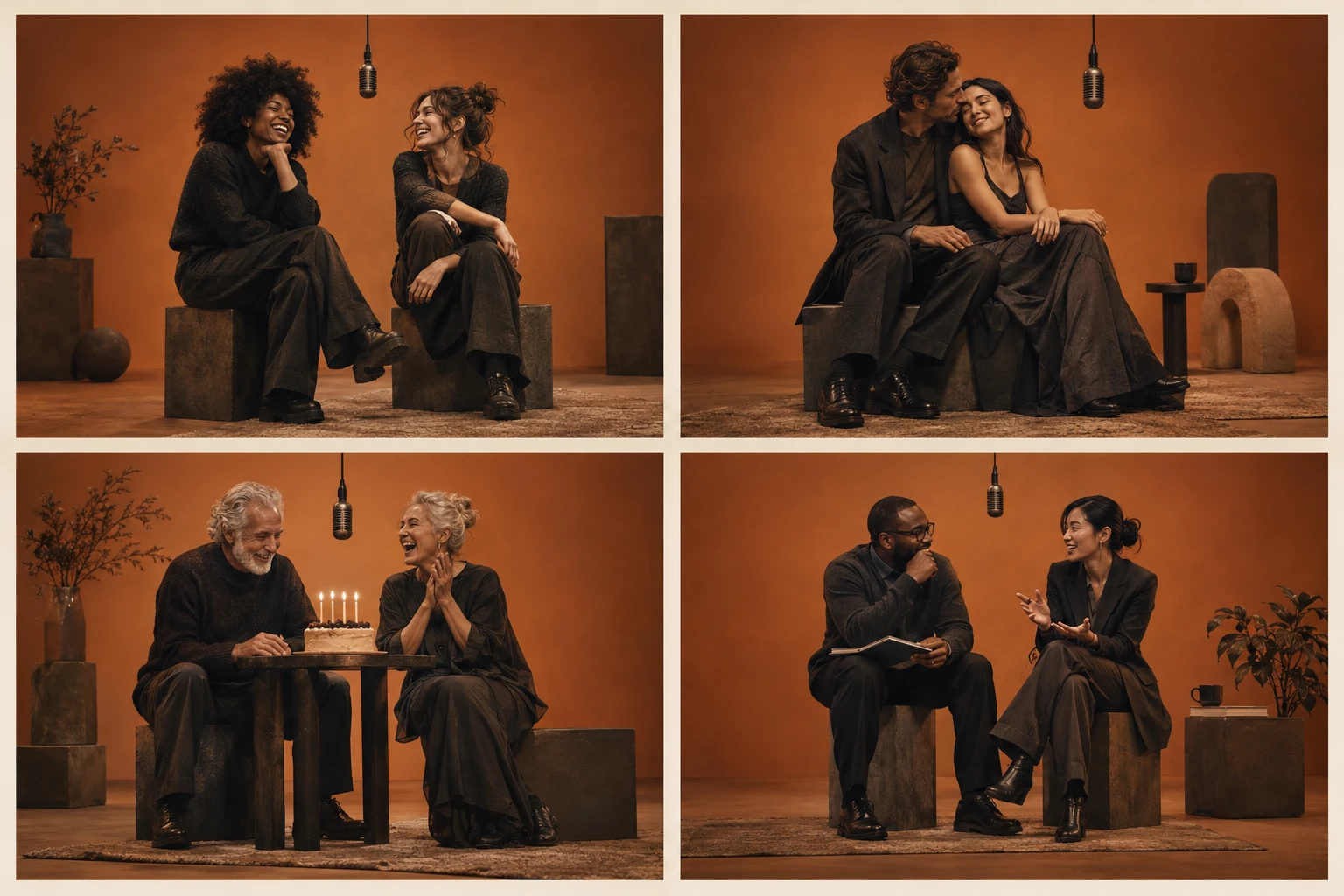
Concept artwork for the casting ideas. The playable results above are separately recorded video generations; this illustration is not a video result.
Questions when adapting these scenes
Can I use a friend’s portrait from another city?
Two independent portraits let you prepare a pairing without a shared photo. Ask for a clear reference the person is comfortable using. Select two-photo mode and inspect each identity in the completed result; different locations in the source photos do not specify the final scene.
Can I use a generated example’s exact topic?
Yes. The five scenes with attached results keep the recorded topic in their production button, so you can start from that brief with your own references. The inputs-and-result link lets you compare the source pair and original output. Your new request can still produce different wording and movement.
Does the creator use the original Hotel Lobby recording?
These scene ideas use AI original song: vocals and music generated together with the picture. The separate reference-song mode follows a fixed recording and does not personalize its lyrics. Use the occasion and topic to guide the new song. Older reference-audio examples retain their recorded soundtrack history. If you add a personal voice message or another track later, edit a copy and review it: replacing sound does not regenerate lip movement.
Are the picture-only scenes finished videos?
They are creative plans with a photo or casting illustration where available. Siblings, graduation, birthday and coworker scenes have no matching completed video attached. The long-distance idea points to the related friends scene without relabeling that Friday-reunion output as a different result.
Choose Hotel Lobby video ideas that the people involved can explain and enjoy. One clear memory usually gives you a more reviewable brief than a long list of unrelated details.
Sources
- Current creator and original rap topic controls, reviewed October 5, 2026.
- Recorded synthetic video demonstrations, generated October 4, 2026; original files and manifest settings retained.
- RapDuo scene organization reference, reviewed October 5, 2026. Scene grouping was considered; its prices, timing and product claims were not applied to this site.