
What an imagined memorial hug represents
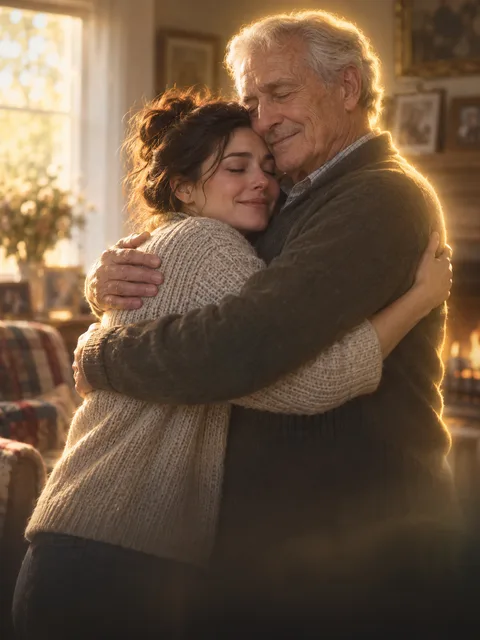
An AI hug with a deceased loved one uses family photographs to create a scene that never took place in front of a camera. The Memorial Hug setup requests a quiet embrace in a warm home with a subtle memory-like light around one subject. An AI hug with a deceased loved one is a visual interpretation, not restored footage or evidence of the person's presence.
People may choose an AI hug with a deceased loved one for a private keepsake, an anniversary or part of a family tribute. Others may not want this kind of imagery. Decide whether an AI hug with a deceased loved one fits your family before preparing it as a surprise. The page offers a creative workflow without promising comfort, healing or any particular emotional response.
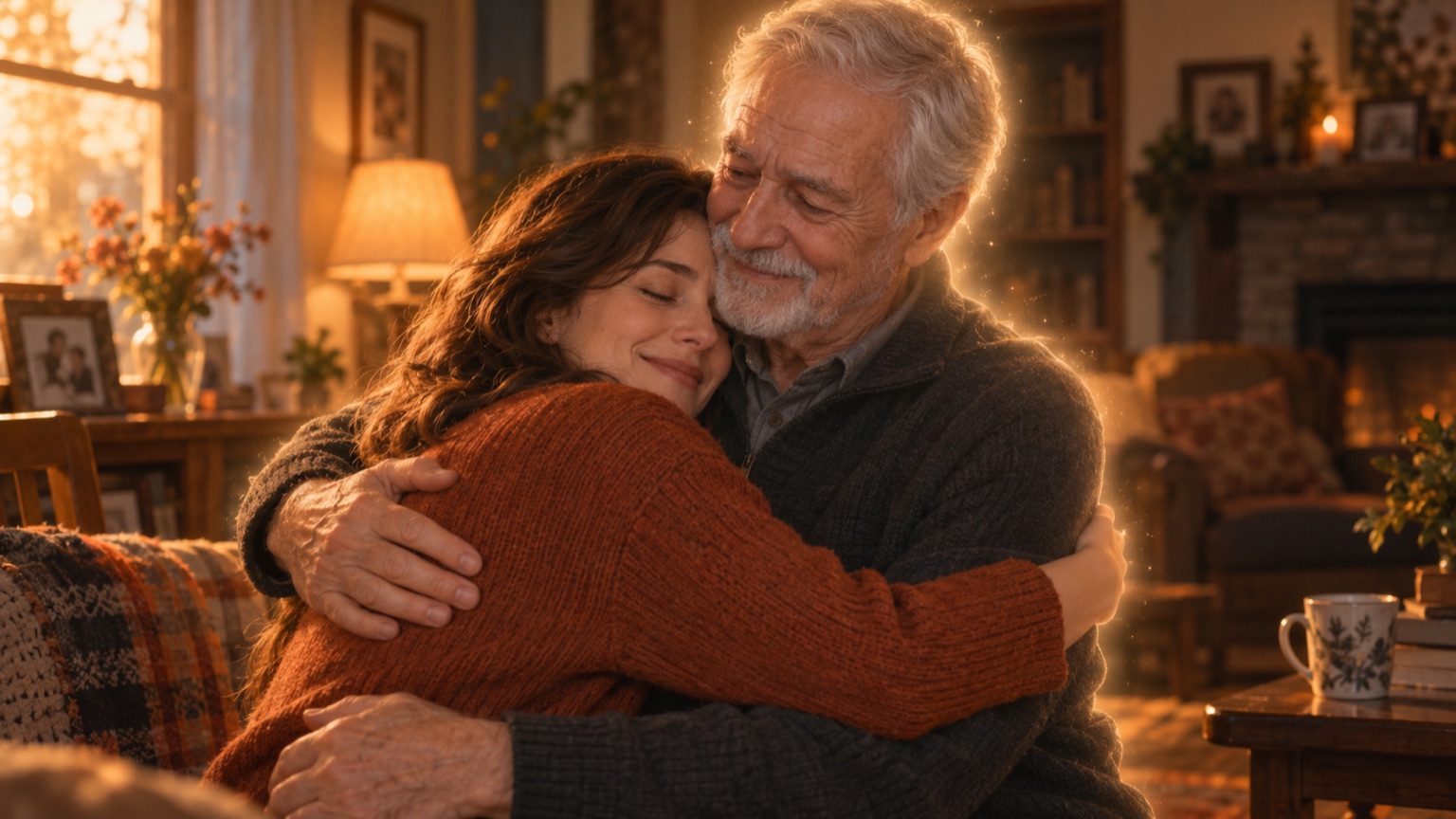
AI-generated concept artwork for ai hug with a deceased loved one; this illustration is not a recorded product result.
Prepare the photographs with care
For an AI hug with a deceased loved one, choose the portrait in which you recognize the person most readily. A familiar expression can matter more than a polished photograph. Keep the original print or scan intact and make a separate working copy. An AI hug with a deceased loved one cannot reliably reconstruct every feature missing from a damaged or very small face.
If you photograph a print for an AI hug with a deceased loved one, place it flat in even daylight and avoid glare. Crop unrelated borders while keeping the face and shoulders visible. Compare the digital copy with the physical print before uploading. Preparing an AI hug with a deceased loved one does not require automatic colorization, and this page does not include a dedicated restoration tool.
How to make an AI hug with a deceased loved one
Add your own portrait and the family member's reference to the two slots. The AI hug with a deceased loved one opens with Memorial Hug selected. A shared photograph can also be used through one-photo mode when both intended faces are visible. Check the assignments before creating an AI hug with a deceased loved one, particularly when relatives have similar facial features.
Read the available length, quality, framing and live quote together. Confirm the relevant rights and family permissions, then submit the AI hug with a deceased loved one when you are ready. Keep the returned file privately for your first review. An AI hug with a deceased loved one should be evaluated by the full movement, not just an appealing cover frame.
A quiet scene needs a restrained brief
The AI hug with a deceased loved one setup already supplies the home setting and gentle contact. Extra instructions about dramatic disappearances, elaborate costumes or several camera cuts can distract from recognizing the two people. For an AI hug with a deceased loved one, keep the intended action simple and avoid asking the image model to reconstruct an entire life story.
A proposed use is a short AI hug with a deceased loved one inserted between genuine family photographs, with an explanatory caption. That is an editing idea, not a completed customer case. If contact feels inappropriate, animate a single old portrait instead. The ordinary hug generator offers another setting without the memorial treatment of an AI hug with a deceased loved one.
Inspect resemblance and physical contact separately
Review the AI hug with a deceased loved one at the start, during the approach and during the embrace. Look at the familiar hairline, jaw, age details and clothing. A face can resemble the reference when still and change as it turns. Keep the supplied photographs beside the AI hug with a deceased loved one to make the comparison concrete.
Next inspect arms and hands in the AI hug with a deceased loved one. Overlapping bodies may create joined fingers or confusing sleeves. If the result feels wrong, name that specific issue before trying again. More pixels alone do not establish a more faithful AI hug with a deceased loved one; a clearer reference or a different framing may address a different problem.
Share the clip on the family's terms
An AI hug with a deceased loved one can be emotionally sensitive even when the images are familiar. Ask intended viewers whether they want to see it, especially before a public memorial or holiday gathering. A private preview lets relatives choose without being surprised by an AI hug with a deceased loved one in a group message or on a public feed.
Label the AI hug with a deceased loved one as an AI-created imagined reunion and keep genuine recordings separate. Do not imply that the loved one recorded new words or chose the scene. The song guide explains generated and reference sound, while pricing describes purchasing. Neither makes an AI hug with a deceased loved one an authentic historical recording.
Questions about an AI hug with a deceased loved one
Can a black-and-white picture be used?
An AI hug with a deceased loved one can start from a readable black-and-white reference. Generated color or movement may differ from the original photograph. Keep the scan so you can distinguish source detail from new interpretation in the AI hug with a deceased loved one.
Does the tool recreate the person's voice?
No. An AI hug with a deceased loved one uses appearance references and generated scene sound, not a voice recording from the person. Do not describe an AI hug with a deceased loved one as a new personal message spoken by the loved one.
Should I send it as a surprise?
Ask first. An AI hug with a deceased loved one may be welcome to one relative and upsetting to another. Preparing an AI hug with a deceased loved one privately and offering viewers a choice is more considerate than assuming everyone wants synthetic memorial imagery.
Is the illustrated reunion an actual output?
The concept image explains an AI hug with a deceased loved one; it is not a record of a family or proof of the rendered result. Review your own AI hug with a deceased loved one before saving or sharing it, and check the displayed quote before submitting another attempt.
Sources
- Current site creator, scene settings and photo workflow, reviewed October 6, 2026.
- Photo preparation guide and output specifications.
- RapDuo topic page, reviewed for page structure and search intent; its product specifications are not specifications for this site.