
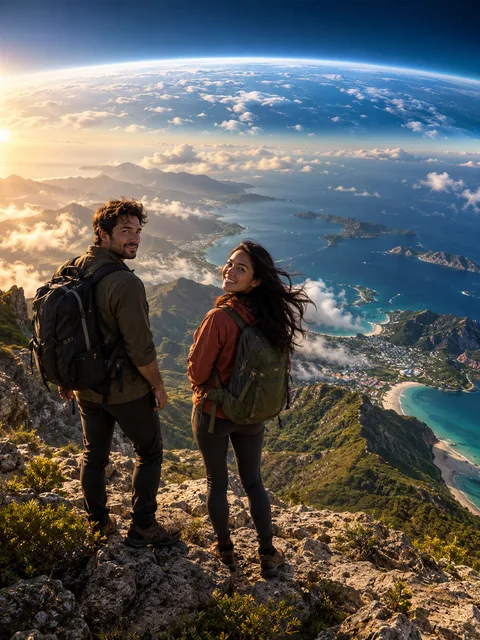
From a familiar face to a much larger view
An earth zoom out changes the scale of the scene: the opening subject is close enough to recognize, then the camera pulls upward and backward toward a landscape, clouds and a blue planet. The configured earth zoom out starts at a scenic coastal overlook. It requests one continuous move rather than several unrelated cuts.
The picture gives the earth zoom out an identity reference, not a verified geographic coordinate. The coast, continent and wider surroundings are generated. An earth zoom out is useful as a cinematic transition, but it cannot document where the photographed person lives or prove that the generated city corresponds to a real location.
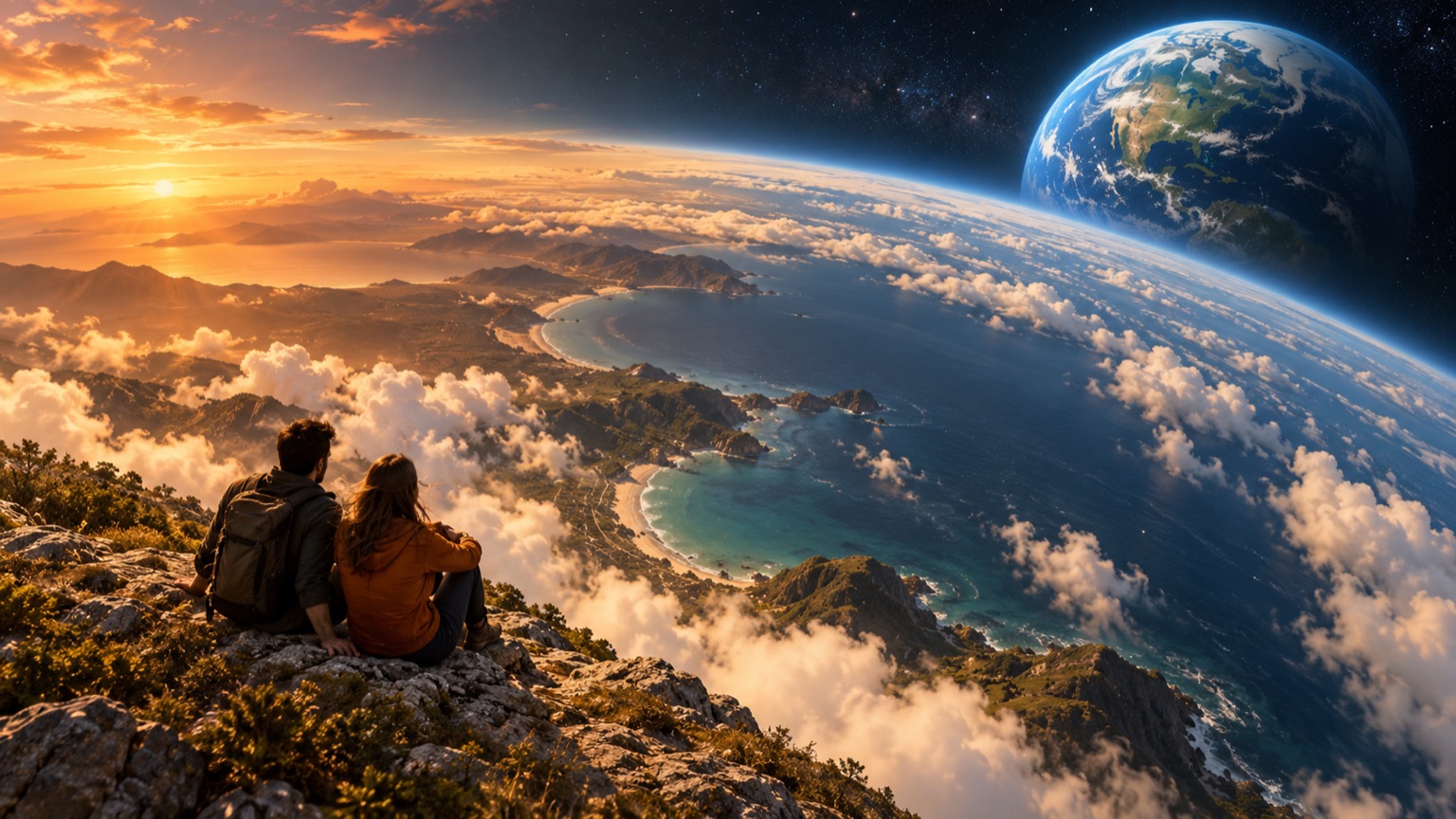
AI-generated concept artwork for earth zoom out; this illustration is not a recorded product result.
How to create an earth zoom out
Begin the earth zoom out with one portrait or a readable shared image. One-photo mode is selected because the scene does not require a partner. If you want two separate identity references, change the photo mode before uploading. Keep Earth Zoom selected while preparing the earth zoom out, so the request stays focused on the pullback.
Choose the available duration, aspect ratio and resolution for the earth zoom out, then read the live quote. A portrait crop and a widescreen crop frame the starting subjects differently. Confirm your image permissions and submit when ready. Download the earth zoom out after the task finishes and inspect the actual motion rather than judging only the end view of Earth.
Give the opening frame something clear to preserve
A useful earth zoom out starts with a face that is large enough to recognize without extreme cropping. Even lighting and visible shoulders provide details you can compare. An outdoor photograph may help you imagine the transition, but the earth zoom out does not simply expand your original background into an accurate panorama.
Avoid a tiny subject lost among several people if the earth zoom out should clearly begin with you. When two people appear in one image, keep both faces separated and visible. Review the opening of the earth zoom out for their placement before focusing on the impressive planetary ending. A beautiful final frame cannot fix an unrecognizable beginning.
Continuity matters more than a dramatic final planet
Watch the earth zoom out slowly for sudden substitutions: an ocean becoming a building, a landmass vanishing or the subject changing position between frames. The configuration asks for geographic continuity, but that request does not certify the output. Compare the earth zoom out opening, middle landscape and final atmosphere as distinct checkpoints.
Then replay the earth zoom out at normal speed. The pullback should feel like a readable movement, even if the generated surroundings are fictional. A hidden cut may be more obvious when the camera accelerates. Save notes about the transition before requesting another earth zoom out; changing only a relevant setting makes the difference easier to assess.
Choose a frame for the final edit
An earth zoom out intended for a vertical social post should keep the opening face inside the frame and leave room for captions. Widescreen can give a coastline more horizontal space. Select the format before creating the earth zoom out, then check the downloaded dimensions instead of assuming the preview matches every possible export.
You can reverse or trim an earth zoom out in a separate editor to create a different transition. Reversing changes the finished file's playback direction; it is not an additional scene promised by this tool. Keep the unedited earth zoom out and create a second version so the original camera move remains available for comparison.
Other scenes for the same portrait
An earth zoom out is about camera scale rather than physical interaction. For several copies of yourself in one street, use AI Clone Video. For two people meeting, the AI hug generator provides a different scene. The AI video effects directory separates those actions from an earth zoom out.
The earth zoom out uses the selected scene's generated sound. It does not provide a personal audio-upload control or verify music rights for a track added afterward. Check output specifications and pricing before submitting. The earth zoom out quote depends on its current settings, without a guaranteed completion time.
Questions about an earth zoom out
Does it reveal my real street or country?
No. An earth zoom out builds a cinematic wider setting around the image reference. The original photograph does not establish an accurate route into space. Do not use an earth zoom out as a map or evidence of a person's location.
Can a shared couple photo be used?
Yes, an earth zoom out can start from one image with two readable subjects. Check that both remain recognizable at the beginning. A shared reference does not guarantee the earth zoom out will preserve both identities through every stage of the pullback.
Is the final planet a satellite photograph?
The earth zoom out produces generated imagery. A globe-shaped ending may look familiar without matching real satellite data. Label an earth zoom out as an AI-created visual transition if viewers could mistake it for real aerial footage.
What should I change if the scene jumps?
Identify where the earth zoom out loses continuity and save that timestamp. Check the starting reference and requested framing before another attempt. More resolution alone does not establish a smoother earth zoom out; inspect the complete downloaded sequence before sharing it.
Sources
- Current site creator, scene settings and photo workflow, reviewed October 6, 2026.
- Photo preparation guide and output specifications.
- RapDuo topic page, reviewed for page structure and search intent; its product specifications are not specifications for this site.